MacBook Air 13" Retina Display 2020 Smaller Keys Replacement
ID: 141914
Description: Keyboard keys are the most handled part of a...
Steps:
- Clean the keyboard.
- Gather all necessary pieces that may have come off with the key.
- The key itself.
- The hinge piece.
- Orient the hinge piece in the proper position.
- Install onto single mount first.
- Then press into the double mount.
- Make sure the hinge is in place properly, or the key will not stay on.
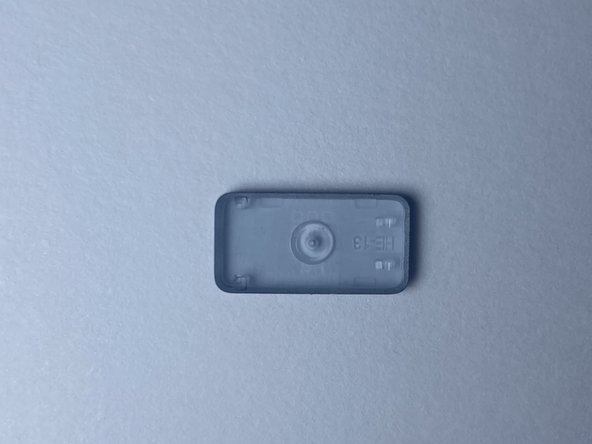
- This piece, the rubber cap, doesn't come off often. But if it does, you can reinstall it by pressing down on the middle.
- Orient the key in the proper position.
- Press the key down into place.