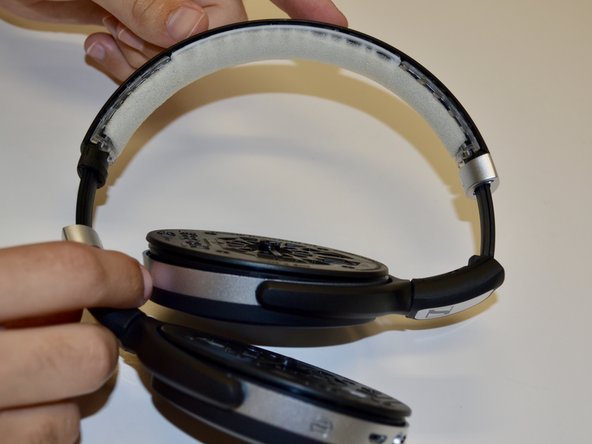
Sennheiser HD 4.50 Headband Pad Replacement
ID: 141954
Description: If the headband pad or cushion on your...
Steps:
- Extend the headphones by pulling the headband away from the base of the headphones.
- Do this to both the right and left sides of the headphones.
- Use a Phillips #000 screwdriver to remove the two screws on the silver piece on either edge of the headband.
- Make sure to do this to both the right and left sides of the headphones.
- After removing the screws, slide both silver pieces down.
- Grasp the headband pad firmly with your pointer finger and thumb and gently pull the pad away from the headband until the pad is fully removed.
- You may need to apply adhesive when sticking the replacement headband pad back to the headband.