Fix iPhone X Unable to Activate By Jumper Wires
ID: 142076
Description:
Steps:
- The iPhone X has been dropped and can’t work normally. After restoring, the phone can’t be activated. Next, we try to activate the phone with 3uTools.
- Connect the phone to the computer and open 3uTools. Click Activate Now and Start.
- The activation normally takes several minutes. After about 20 minutes, the phone is stuck in the activation interface. The phone is still unable to be activated.
- Next, we need to separate the motherboard for further check.
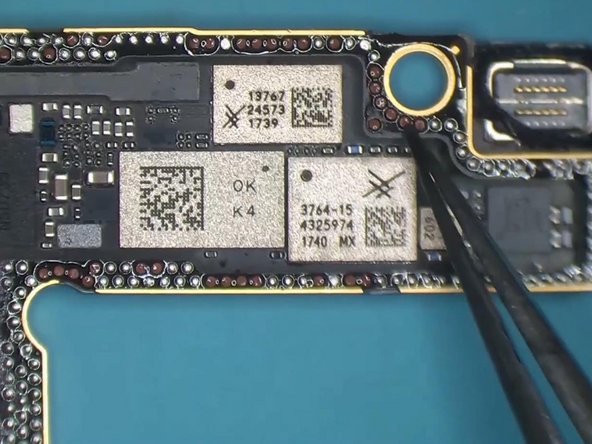
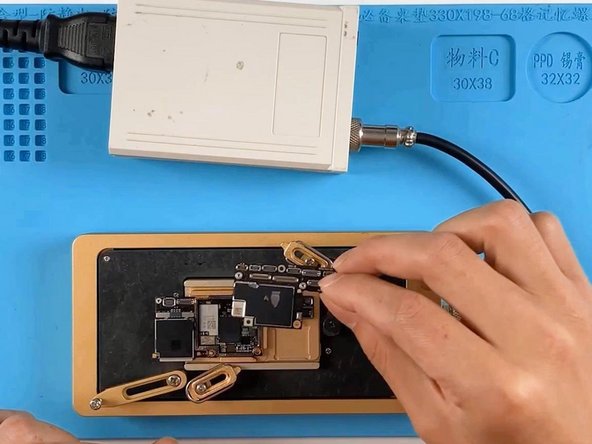
- Put the motherboard on the 165 °C Heating Platform to heat. When the temperature reaches 165 °C, remove the logic board and signal board with tweezers.
- Clear thermal grease with a Sculpture Knife.
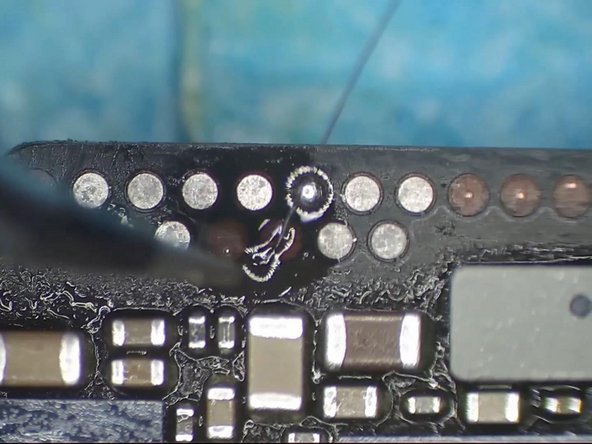
- After separation, it is found that there are many missing pads. Then we restore useful pads from missing pads with jumper wires.
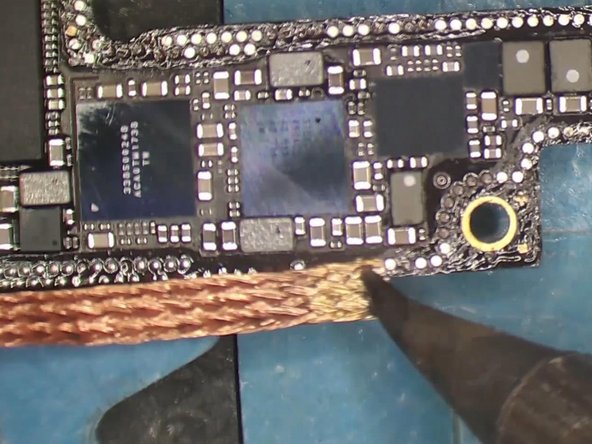
- Attach the logic board to the holder and remove tin on the bonding pad with Soldering Iron at 365 °C and Solder Wick.
- Apply some Solder Paste to the missing pads and apply tin with Hot Air Gun at 340 °C. Clean the bonding pad with PCB Cleaner and apply some Paste Flux.
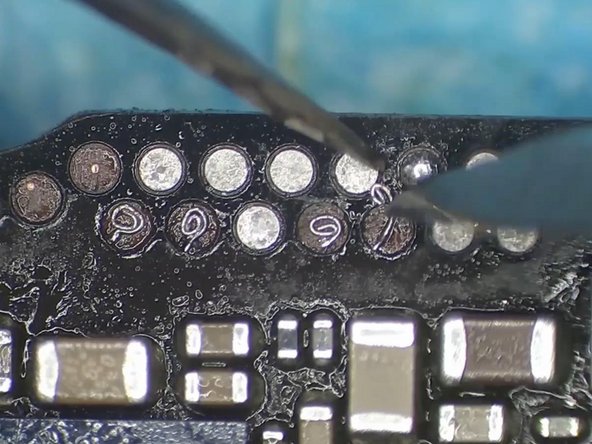
- Solder 0.02 mm copper wires to the bonding pad with Soldering Iron. Please be noted that copper wires must be soldered firmly.
- Clean with PCB Cleaner again and curl the copper wires to make pads with Tweezers and Sculpture Knife.
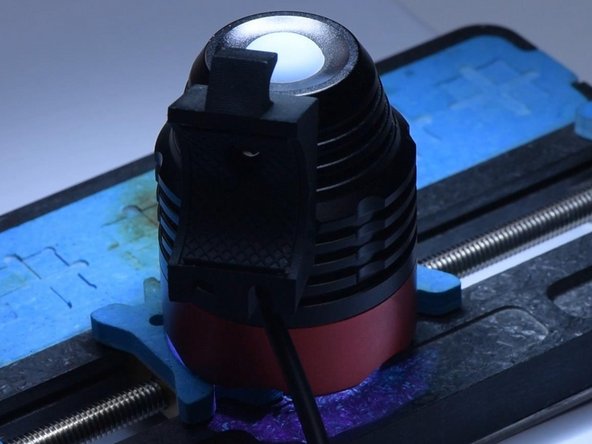
- Apply Solder Mask to the bonding pad to fix the copper wires and solidify the solder mask with UV Lamp for 5 minutes.
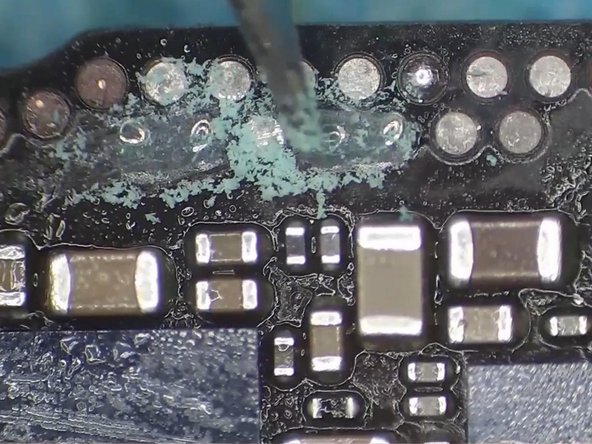
- Scrape away excess solder mask with Sculpture Knife to show the copper wires.
- Next, remove tin on the bonding pad with Soldering Iron at 365 °C and Solder Wick. Clean the bonding pad with PCB Cleaner.
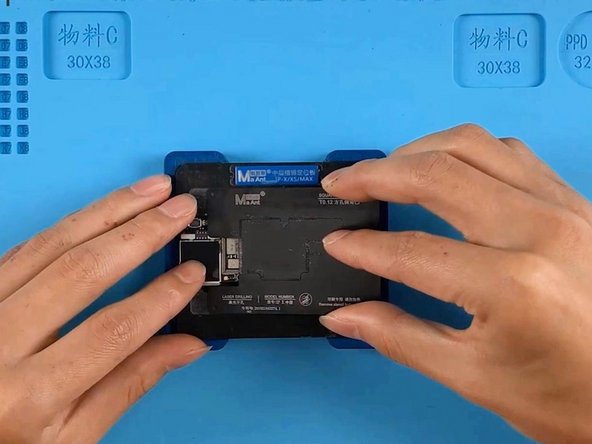
- Attach the signal board to the Reballing Platform and put the reballing stencil in position.
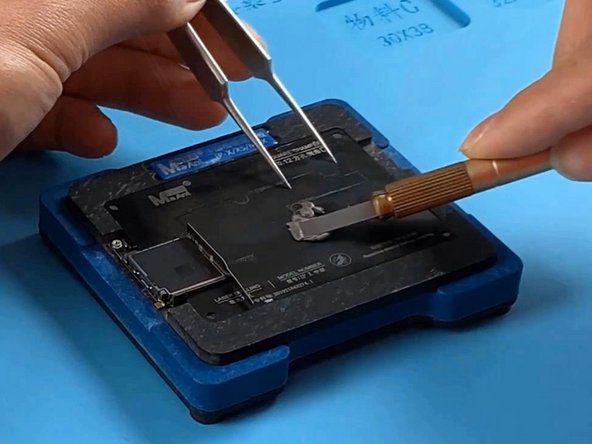
- To prevent solder paste from flowing into the motherboard, insert a metal plate.
- Apply evenly a layer of low-temperature Solder Paste.
- Put the motherboard on the 165 °C Heating Platform to heat.
- After the solder balls are formed, turn the power off and cool the signal board. Apply some Paste Flux and align the logic board with the signal board.
- Keep heating for 1 minute when the temperature reaches 165 °C. Turn the power off and cool the motherboard.
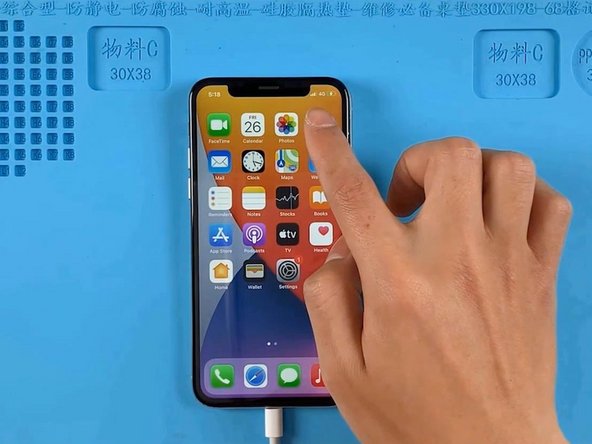
- Then we install the motherboard to the phone. Open 3uTools to activate the phone. The phone is successfully activated.
- Test other functions and other functions work well.