How to Take Care of Your Laptop So It Does not Break
ID: 144579
Description: It is the 21^(st) century, and owning at least...
Steps:
- Keep liquids and food away from your laptop. If liquid gets into the inside of it, it could make your perfectly running device a fire hazard or you could suffer a data loss due to the damage
- Keep your laptop in a dust-free environment. You can get the outsides, and clean the body of the device, but you cannot open it up and dust it. Dust and particles might inside it and end up making it slower.
- Do not touch your laptop with dirty or wet hands. If you have been eating or drinking something, unclean hands can cause an electrical failure in the circuit and damage your device.
- Do not lift your device holding the screen. Always use the base to hold it up. This will definitely increase the life of your product.
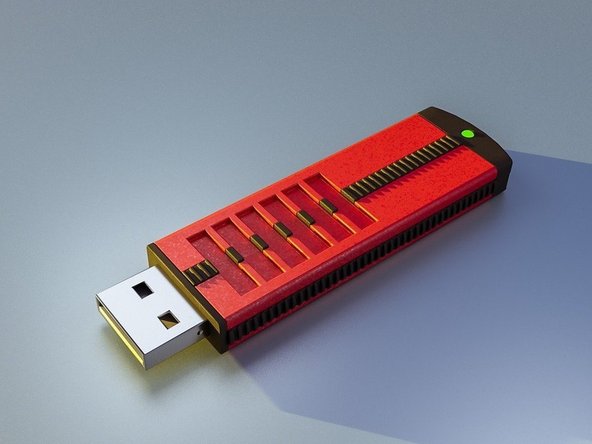
- Be careful plugging in peripherals. Items you plug into the computer like USB drives or headphones or various adapters have ports into which they fit. Pay attention to the size and shape of connectors before inserting it into the respective port.
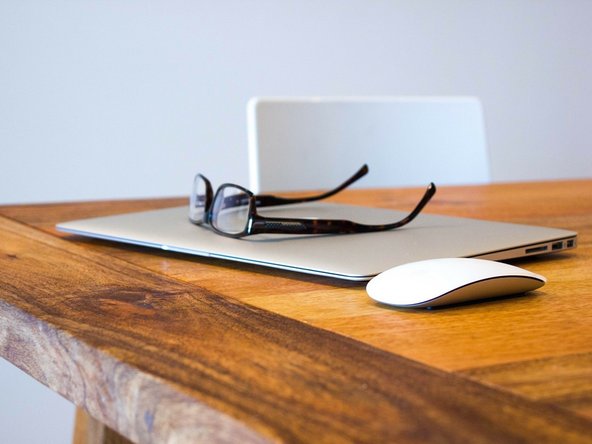
- Do not place anything on top of your laptop. Even light things can push the screen into the keyboard and damage the screen.
- Shut down your laptop regularly. Sometimes laptops begin to run sluggishly after being constantly on for a few days. Turning off your device to allow your laptop’s hardware to reset and have a rest.
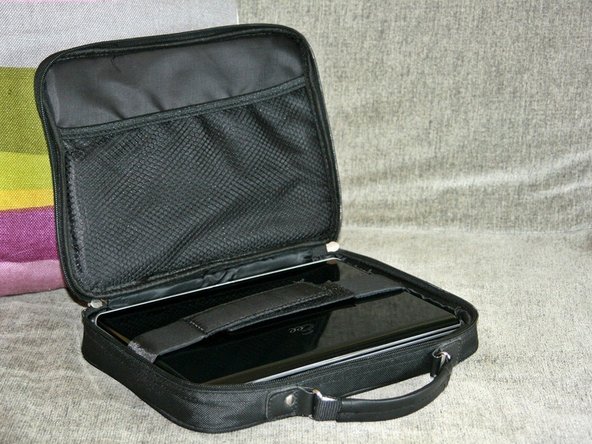
- Get a laptop case. A hard-shell case may prevent damage from minor falls or random bumps.
- Take care of the battery. Battery life depends on how often you charge it. Consider keeping your laptop plugged all the time. Try not to use the better when possible.