2013 Honda Civic Brake Light Replacement
ID: 144941
Description: This guide will show you how to replace the...
Steps:
- Ensure that the vehicle is shut off before engaging in the replacement.
- Open the trunk by pulling the latch located on the floor of the driver’s side.
- The carpet liner attached to the trunk has a total of six rivet fasteners. There are three rivet fasteners located on the edges of both the right and the left sides of the trunk.
- Using a flathead screwdriver, remove all the rivet fasteners attached to the carpet liner.
- Pull back the carpet liner from the walls of the trunk.
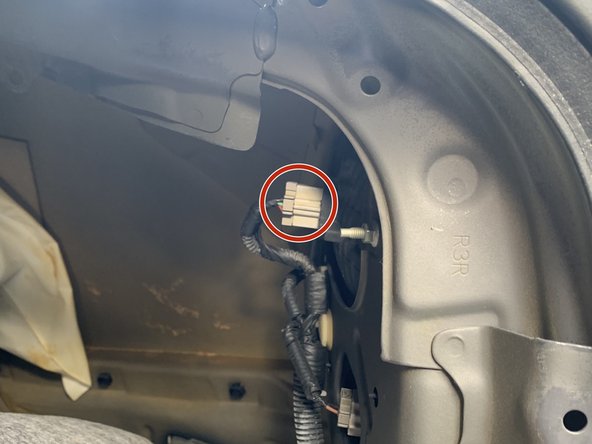
- Locate the housing compartment for the brake light socket.
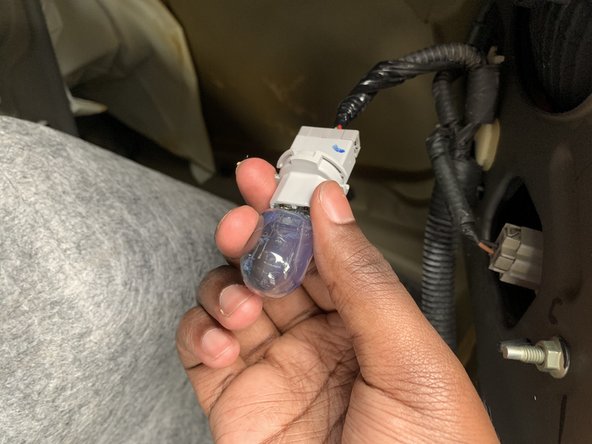
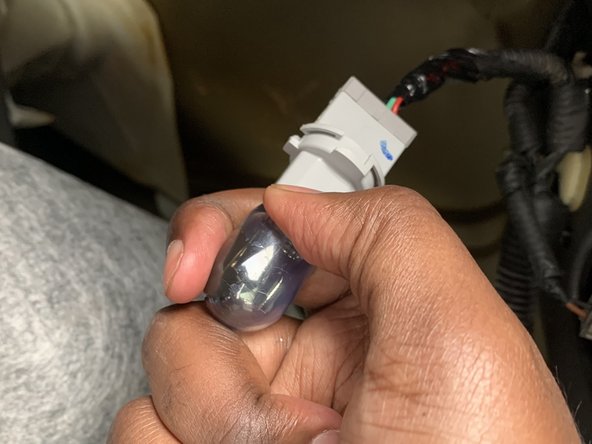
- Remove the brake light socket from the housing compartment by turning it ¼ of a turn counterclockwise to unlock.
- Pull the brake light socket from the housing compartment.
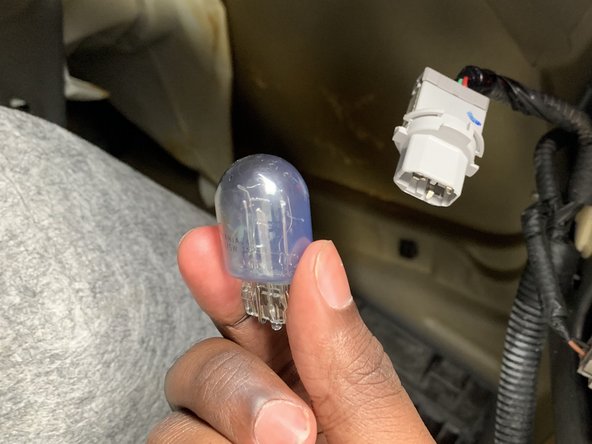
- Remove the burned-out light bulb from the brake light socket.
- Insert the new brake light bulb into the brake light socket.
- Insert the brake light socket back into the housing compartment by turning it ¼ of a turn clockwise to lock.