Casio A158W-1 Battery Replacement
ID: 144958
Description: If your Casio Digital Watch (model A158W-1)...
Steps:
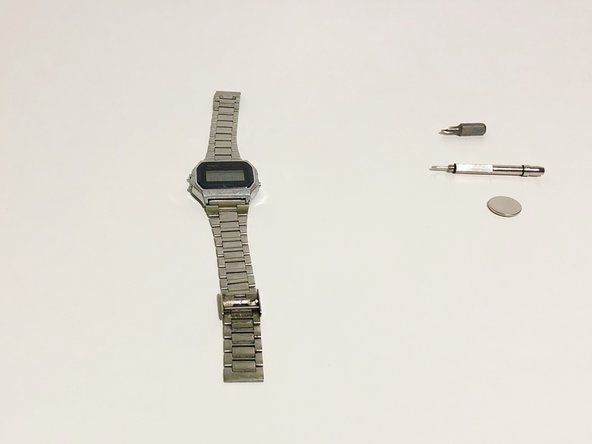
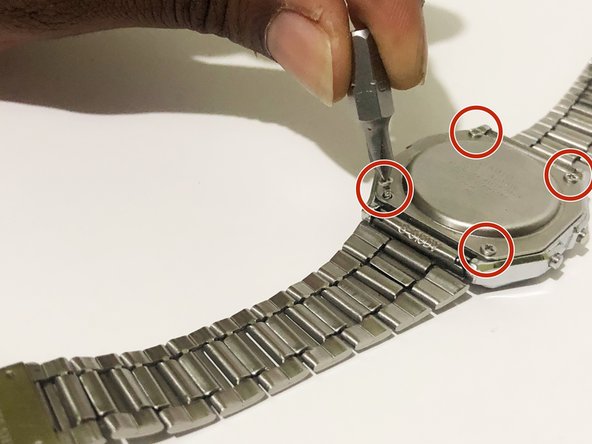
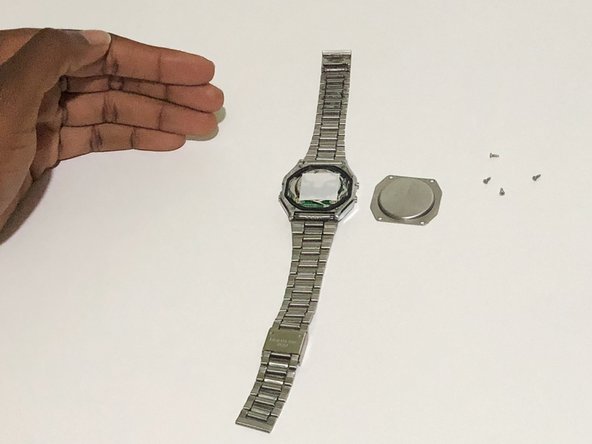
- Using the Phillips #00 screwdriver, remove the four screws from the back panel of the watch.
- With your fingers, or tweezers if available, remove the rubber gasket surrounding the base of the watch.
- Carefully remove the centerpiece of the watch from the casing.
- Using the Flathead screwdriver, push the four tabs located around the centerpiece inwards to open it up.
- Open up the centerpiece to reveal the battery.
- Carefully remove the dead battery.
- Insert the new Cr2016 3V Lithium battery into the centerpiece.
- Reattach the back of the centerpiece together.
- Insert the centerpiece back into the casing of the watch with the "front" facing down.
- Position the rubber gasket back into place.
- After putting the back panel of the watch into place, use the Phillips #00 screwdriver to screw four screws into place.
- Finally, reset the Casio watch to the correct time.
- Make sure all buttons are operational.