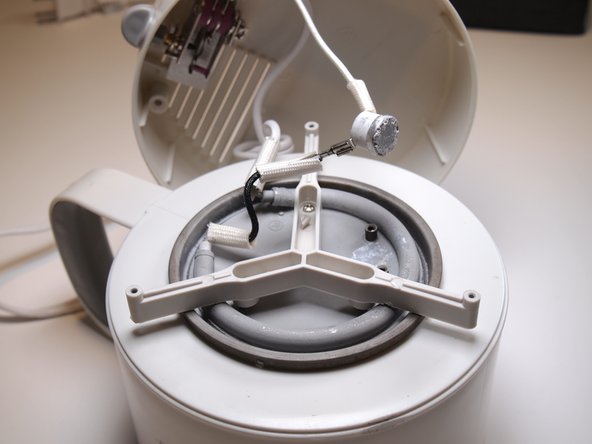
Toastmaster TMHP2 Disassembly
ID: 144995
Description: If your Toastmaster TMHP2 Hot Pot is having...
Steps:
- Remove the lid and flip the pot over.
- Use the plastic opening tool to remove the three rubber feet.
- Using the Phillips #1 screwdriver, remove the three 11 mm screws from the bottom of the device.
- Lift up the bottom cover to expose the internal wiring and components.
- Using the Phillips #1 screwdriver, remove the two 8 mm screws securing the thermal switch.
- Remove the bracket securing the thermal switch from the device.
- Congratulations! You have disassembled the hot pot and can now see its internal compnents.