Sharp EL-W535XG Battery Replacement
ID: 145013
Description: This guide is on how to replace the battery in...
Steps:
- Turn off the calculator by pressing both the [2NDF ] and [ON] buttons at the same time.
- Flip the calculator so that the battery cover is facing you, and it will be easy to remove.
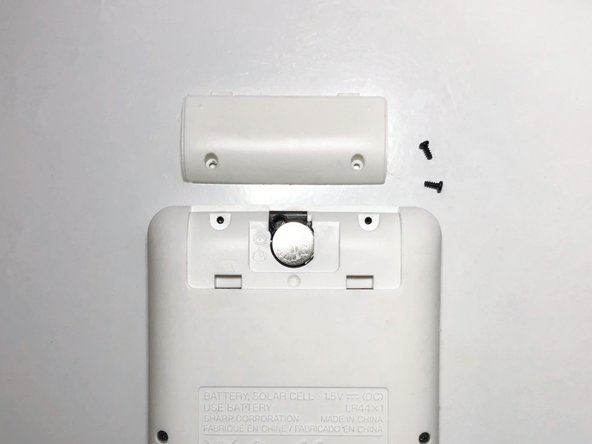
- Remove the two screws securing the battery cover with the Tri-point #000 screwdriver.
- Remove the battery cover.
- Make sure not to remove the other screws on the calculator, just the two screws on the battery cover.
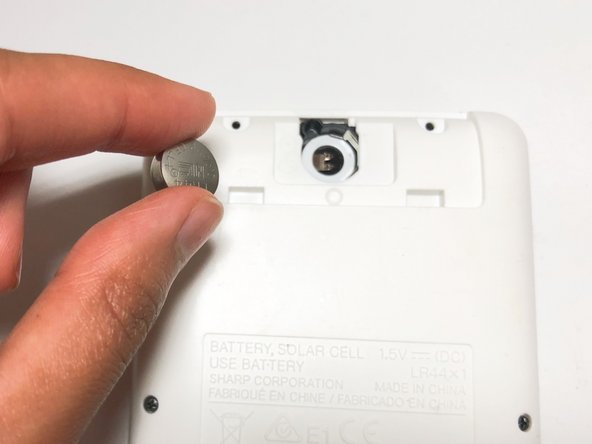
- Remove the worn-out LR44 battery inside using a spudger.
- Gently insert the new LR44 battery in the empty battery slot.
- Place and screw the battery cover on using the Tri-point #000 screwdriver.
- Tightly screw the battery cover to prevent losing screws.