Logitech G502 Proteus Core Cable Replacement
ID: 145036
Description: This guide shows how to replace the mouse cable...
Steps:
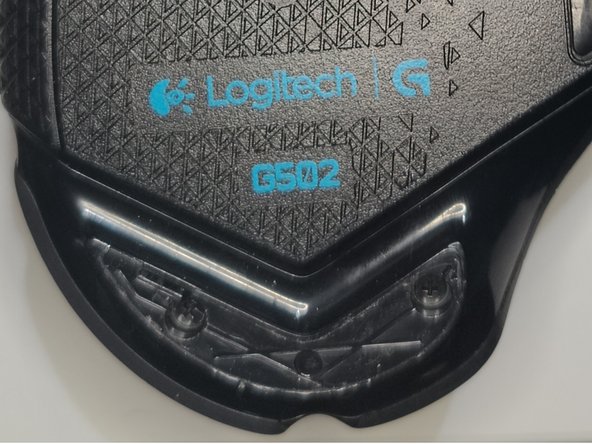
- Use a hairdryer to heat three mouse feet briefly.
- Each mouse foot should take 7-8 seconds to heat up.
- Remove the mouse feet gently.
- Avoid bending the mouse feet.
- Use a screwdriver to remove the four 12.5 mm screws.
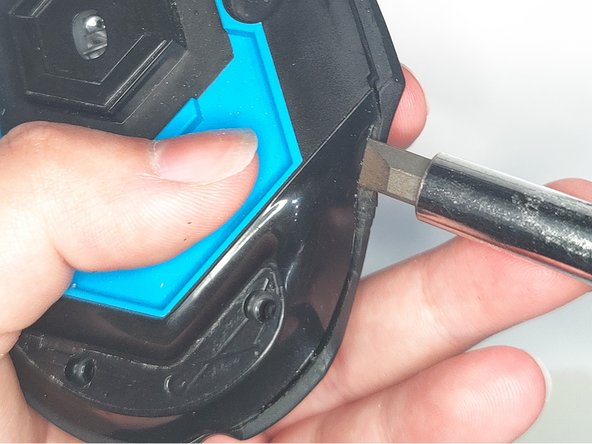
- Use a spudger to pry open the bottom case.
- A screwdriver is shown in the photo but screwdrivers shouldn't be used for prying. They might accidentally damage internal components with a slip.
- Raise the tabs to disconnect the ribbon.
- Pull out the pin and remove the scroll wheel assembly.
- Take out the two springs under the scroll wheel assembly.
- Be careful when lifting the scroll wheel assembly. Do not lose the two specified springs.
- Unscrew five 12.5mm screws from the motherboard.
- Open the tabs lock on each side so you can disconnect the ribbon.
- Disconnect the PCB from the mouse cable.
- Pull out the plastic piece.
- Remove the mouse cable.