hard drive replacement (2.5-inch SATA)
ID: 145417
Description:
Steps:
- remove the feet with a spudger
- Remove the 11 screw with a PH0 screwdriver.
- The screws are identical
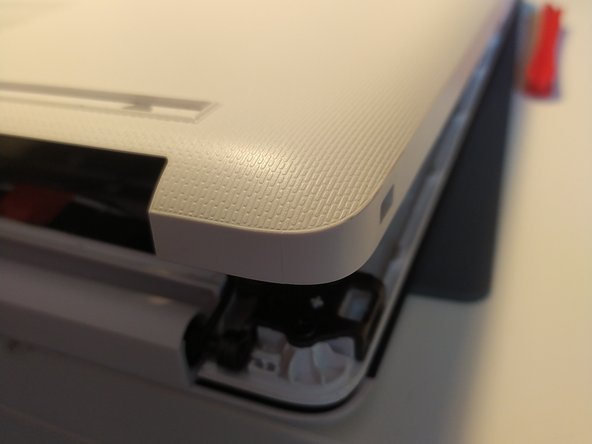
- Insert a spudger between the bottom cover and the keyboard module, then go around the whole cover to uncip everything.
- Remove the bottom cover from the computer.
- You now have acces to the inside of the machine.
- remove the metal piece holding the hard drive in place
- slide the hard drive to the left to remove it from the connector
- it may be necessary to slightly lift the back of the hard drive
- you can then remove it completely from the computer