Lenovo 300e Chromebook Motherboard Replacement
ID: 146590
Description: If your Lenovo 300e Chromebook is not booting...
Steps:
- Remove eleven 5 mm screws from the back of the computer using a Phillips #2 screwdriver.
- Use a spudger along the edge of the Chromebook to gently remove the back cover of the laptop.
- Remove six 3 mm screws from the battery with a Phillips #2 screwdriver.
- Disconnect the wiring harness that connects the battery to the motherboard.
- Lift the battery up and out of the laptop.
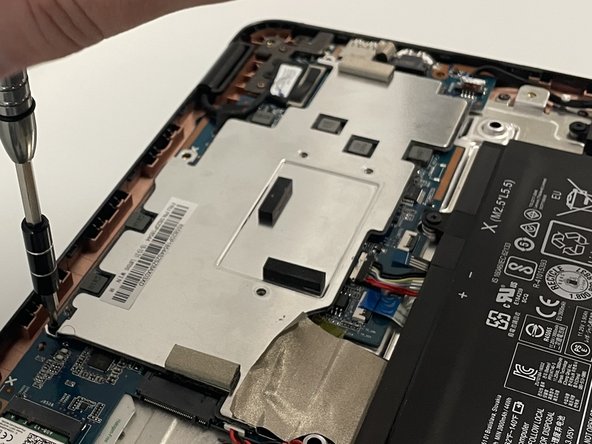
- Remove the three silver 3 mm screws from the center of the metal cover using a Phillips #00 screwdriver.
- Remove two 3 mm screws from the top of the metal cover using a Phillips #2 screwdriver.
- Remove the metal cover from the laptop.
- Remove the nine 3 mm screws from the motherboard using a Phillips #2 screwdriver.
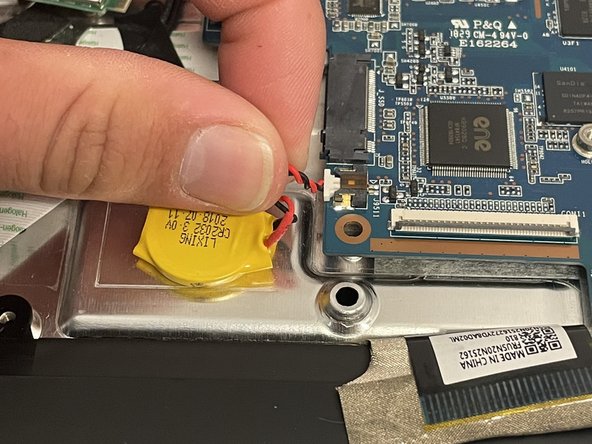
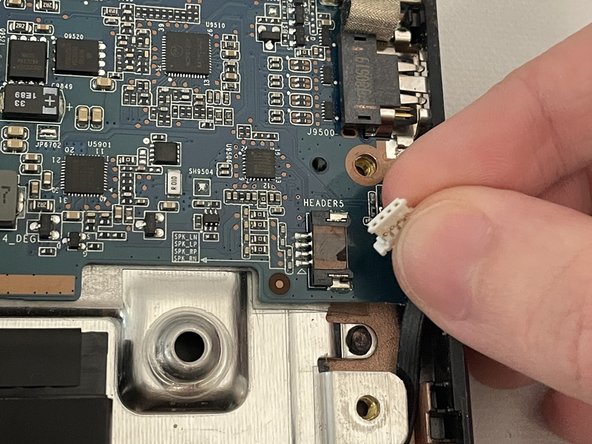
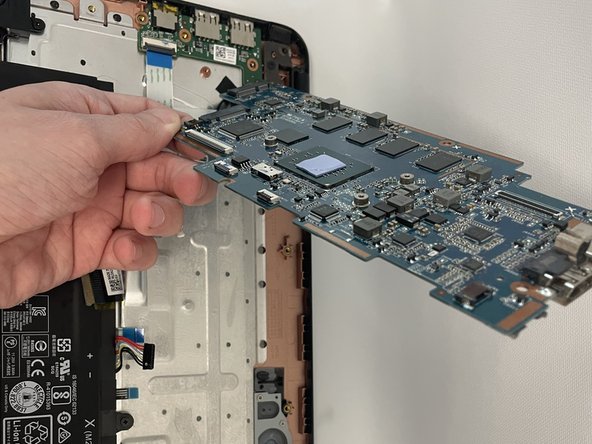
- Detach all the connectors from the motherboard.
- Remove the tape using a spudger.
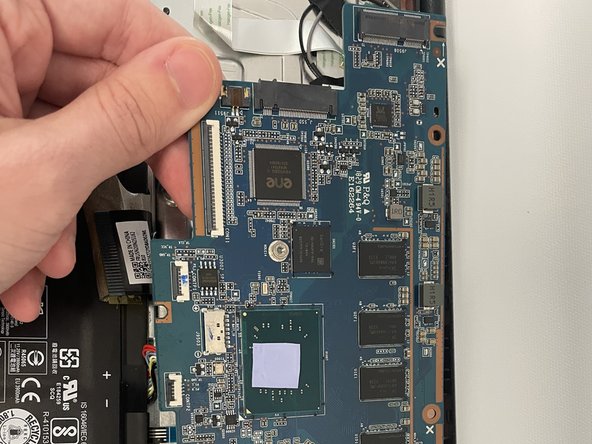
- Disconnect the large cable connector.
- Remove the motherboard from the laptop.