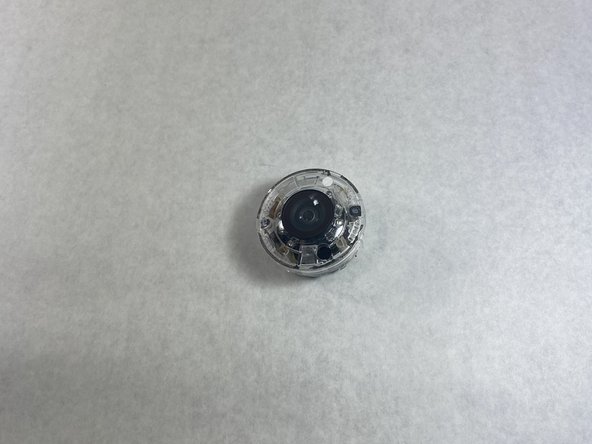
Nest Cam Outdoor S Plastic Camera Cover Replacement
ID: 146616
Description:
Steps:
- Wedge a spudger between the black front panel and the white outer shell.
- Slide the spudger around the edge of the panel to pop it off.
- Remove the four small screws from the plastic camera cover.
- Disconnect the microphone cable to separate the motherboard from the main camera unit.
- Remove the plastic camera cover from the device.