Lenovo Yoga 710-15ISK Fans Replacement
ID: 146629
Description: This guide will show you how to replace the...
Steps:
- Flip your laptop over so the bottom is facing upwards.
- Remove ten 2 mm screws securing the back cover to the laptop using a Phillips #0 screwdriver. The location of the screws is encircled in the photo.
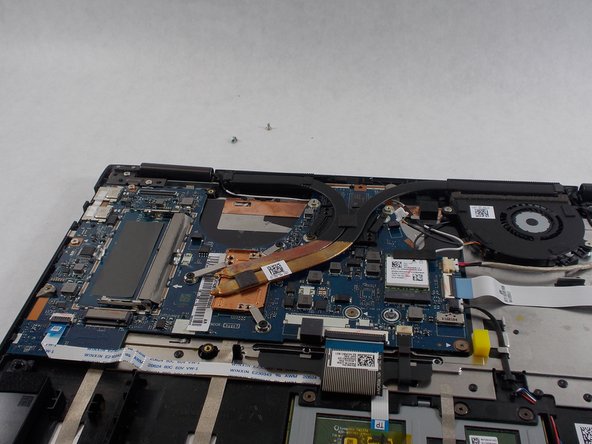
- Gently remove the back cover of the laptop with your fingers.
- Remove the four 1.5 mm screws from the fans with a Phillips #00 screwdriver.
- Unplug the wire connecting the fan to the motherboard by gently pulling the white head from the port.
- Lift both fans to remove them from the laptop.