Lenovo Yoga 710-15ISK Speaker Replacement
ID: 146633
Description: This guide will show you how to replace the...
Steps:
- Remove the four 2 mm screws from the battery using a Phillips #0 screwdriver.
- Remove the connector between the battery and the motherboard by gently pulling the black plastic-coated part of the wires.
- Remove the battery from the laptop.
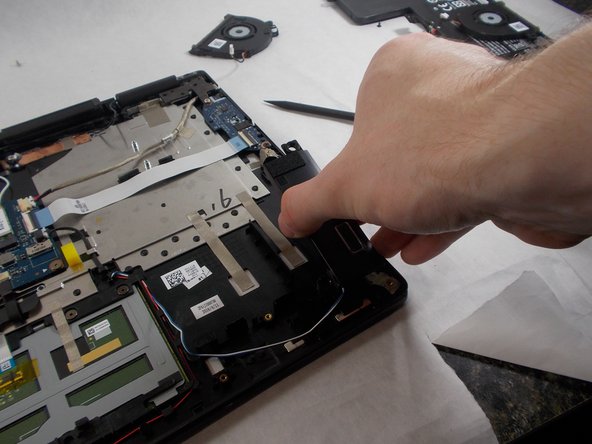
- Disconnect the speaker wires from the motherboard by gently pulling the white connector from its port.
- Unwind the wires from the plastic hooks lining the case.
- Lift out the speakers to remove them from the laptop.