Pine64 PinePhone Charging Port Replacement
ID: 146637
Description: If the USB-C charging port of your Pine64...
Steps:
- Place the device face down on a non-scratch surface.
- Ensure the device is powered off before removing the case as removing the battery or making internal changes could cause physical or hardware damage to the phone
- Using a fingernail pry open the back cover off with the bottom left indent.
- A notch to easily remove the cover is located at the bottom left of the PinePhone with the back cover facing the user.
- Using a Phillips #000 screwdriver, remove each of the screws around the perimeter of the PinePhone.
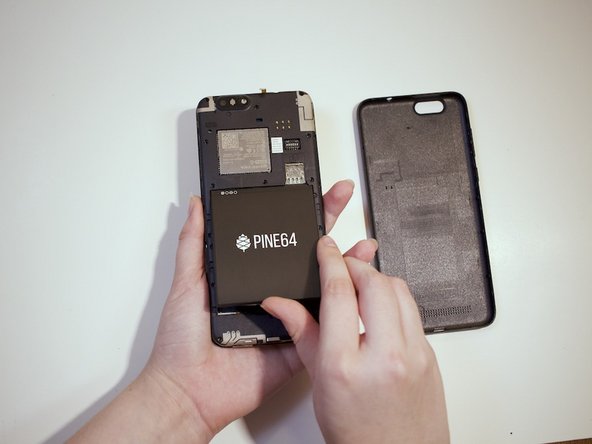
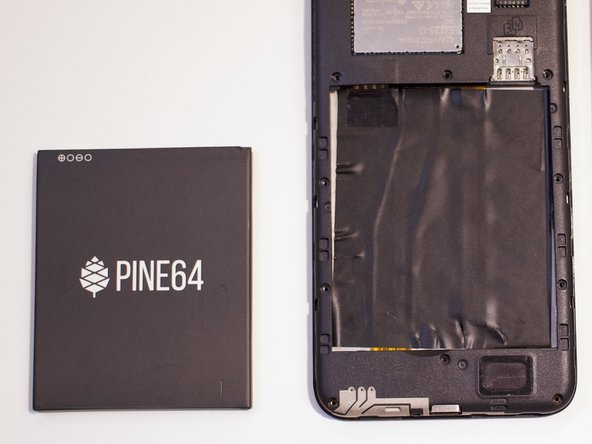
- Remove the battery.
- Remove the midframe from the phone.
- Carefully lift up the vibrator, connected to the board by two wires.
- Applying even pressure, lift up the board.
- An adhesive is all that is keeping it to the frame of the phone, so there should be minimum resistance.
- With a new adhesive strip, connect the replacement board to the frame. Make sure to secure the vibrator in the same place as the original.