HP 15-af123cl Optical Drive Replacement
ID: 146638
Description: Has your optical drive in the HP 15-af123cl...
Steps:
- Push the slider with a lock symbol to the right to unlock the battery.
- Push the slider with a battery symbol to the left to push the battery out slightly.
- Pull the battery out fully now that it is released.
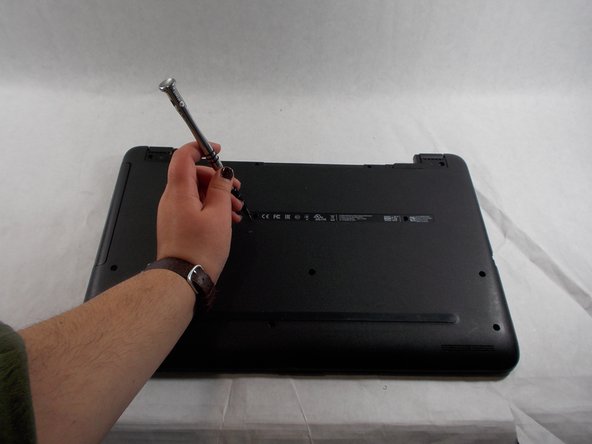
- Remove the single screw that holds in the optical drive using a Phillips #00 screwdriver.
- Slide the optical drive out of the laptop.