Yuneec ST16S Carrying Handle Replacement
ID: 146669
Description: This guide explains how to replace the carrying...
Steps:
- Hold down the button located above the battery while applying downward pressure to the battery.
- While still holding down the button, slide the battery out of its slot.
- Remove the single screw from the battery compartment.
- Remove the rubber bumpers from the back of the device using a spudger.
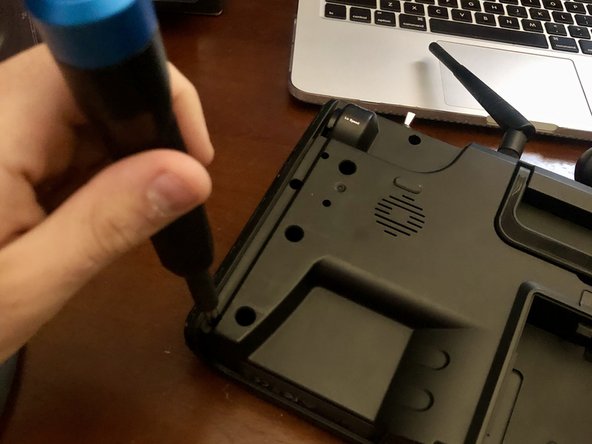
- Remove the two screws located under each of the rubber bumpers.
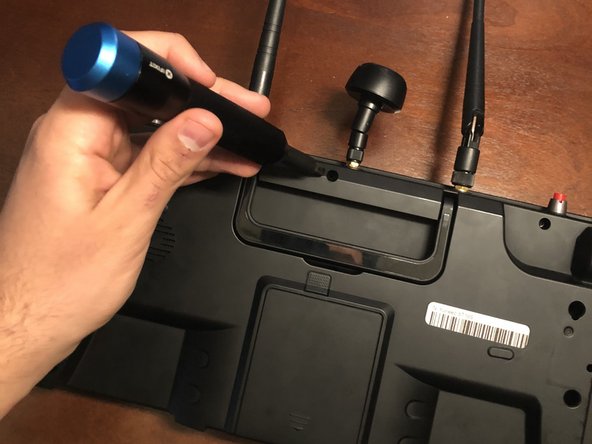
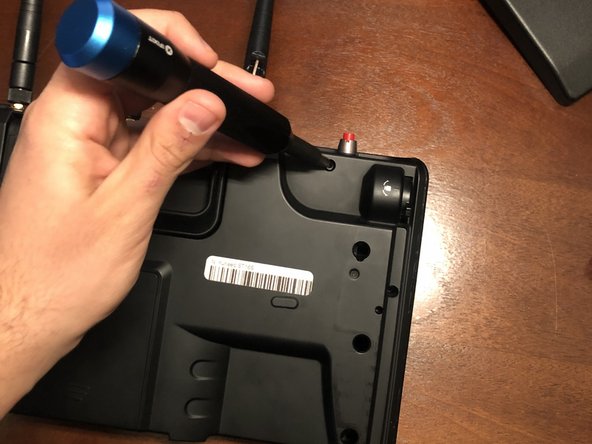
- Remove the three screws along the top of the device.
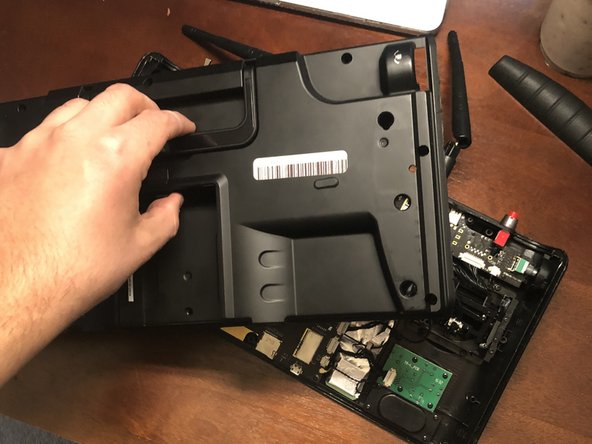
- Carefully remove the backplate from the device.
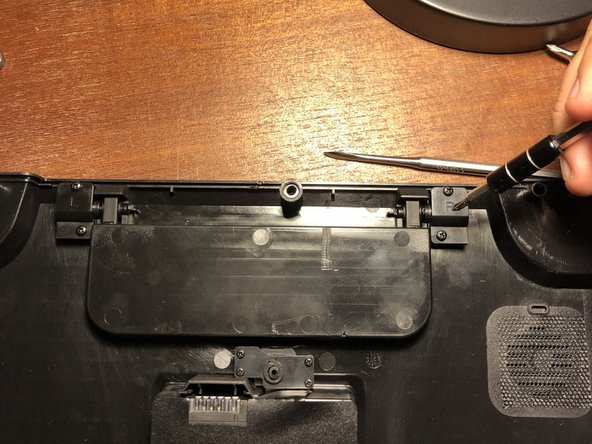
- Remove the screws from the clips on both ends of the handle.
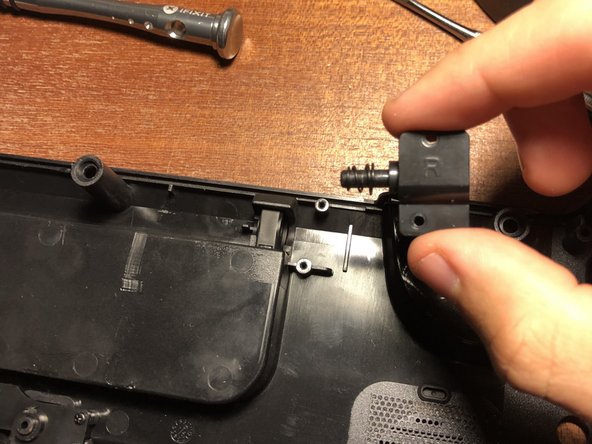
- Slide the clips away from the handle.
- Remove the handle from the device.