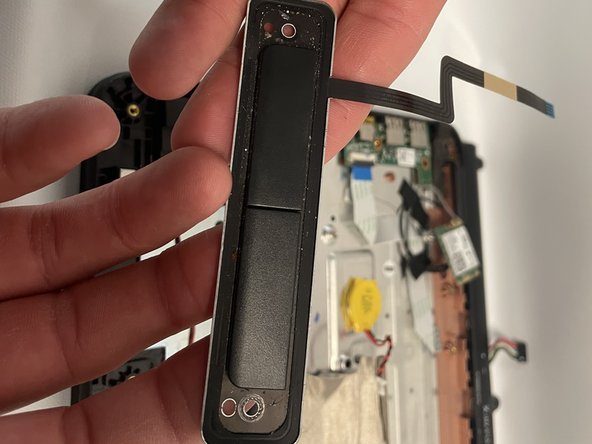
Lenovo 300e Chromebook Left and Right Click Buttons Replacement
ID: 146752
Description: This guide will show how to remove the mouse...
Steps:
- Remove eleven 5 mm screws from the back of the computer using a Phillips #2 screwdriver.
- Use a spudger along the edge of the Chromebook to gently remove the back cover of the laptop.
- Remove six 3 mm screws from the battery with a Phillips #2 screwdriver.
- Disconnect the wiring harness that connects the battery to the motherboard.
- Lift the battery up and out of the laptop.
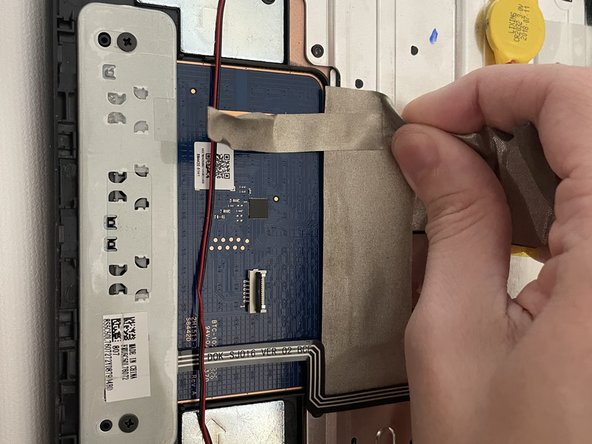
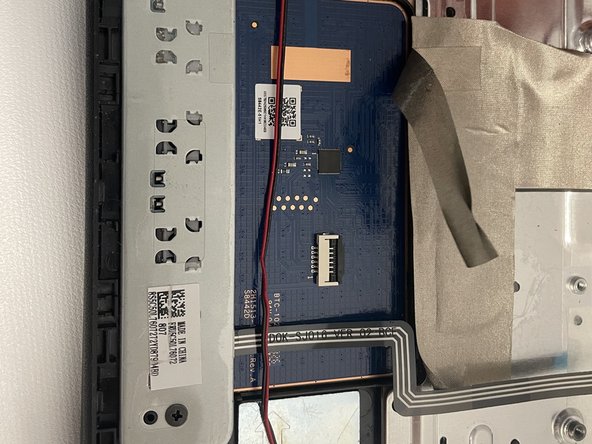
- Disconnect the metallic electrical tape by gently pulling back away from the keypad. put it aside for right now.
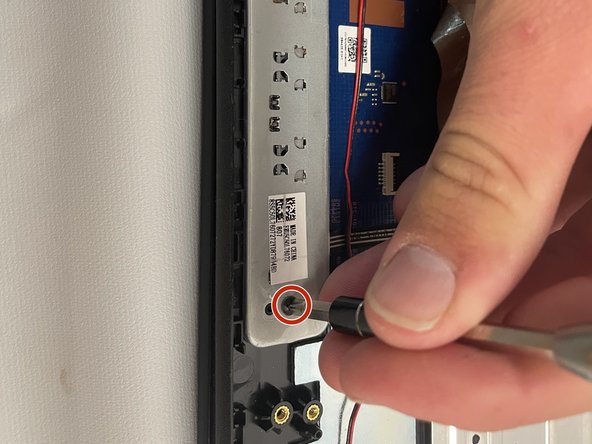
- Remove two 5 mm screws from the metal plate using a Phillips #2 screwdriver. once removed, put them aside for now.
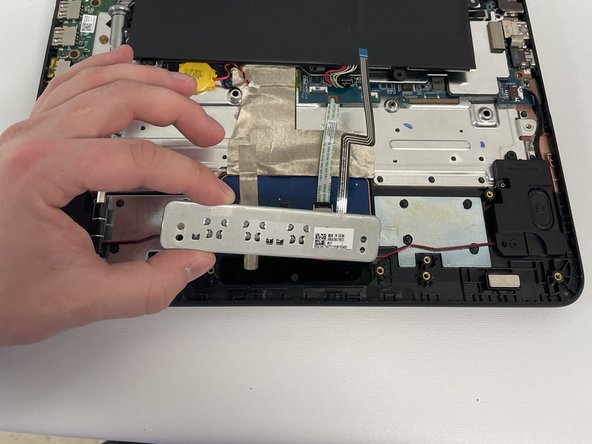
- Now, Carefully Remove the left and right click buttons from the laptop. be careful not to break them.