Dell Latitude 3380 Display Assembly Replacement
ID: 146780
Description: If your Dell Latitude 3380 is failing to...
Steps:
- Turn the laptop over so that the back is facing up.
- Remove the nine 3 mm screws with a Phillips #0 screwdriver.
- Use an opening tool to pry the back cover away from the laptop.
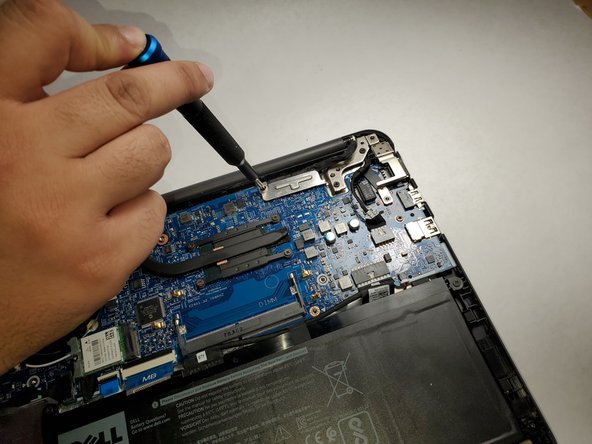
- Remove the single 3 mm screw from the metal bracket using a Phillips #0 screwdriver.
- Remove the metal bracket.
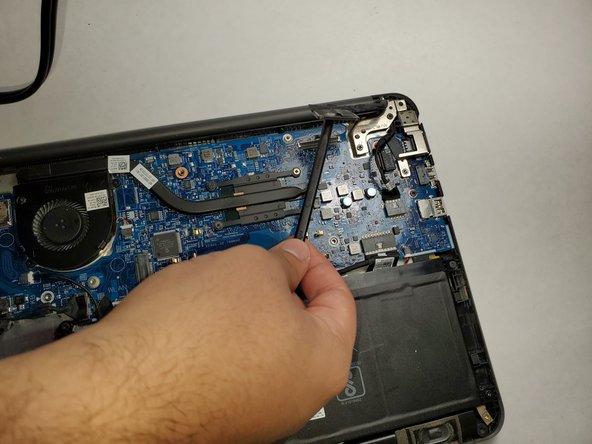
- Use a spudger to gently detach the connector from the motherboard.
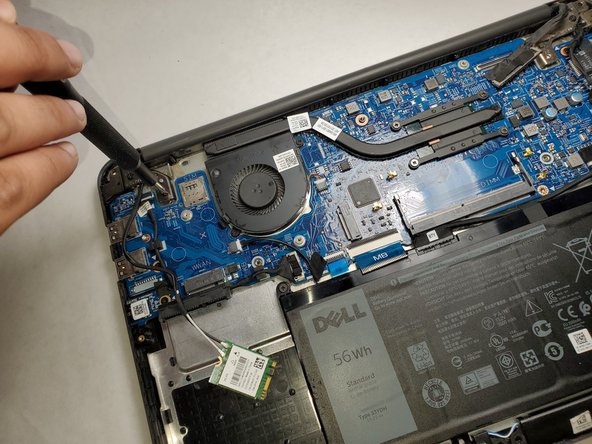
- Remove the two 3 mm screws (four total) from both sides of the laptop using a Phillips #0 screwdriver.
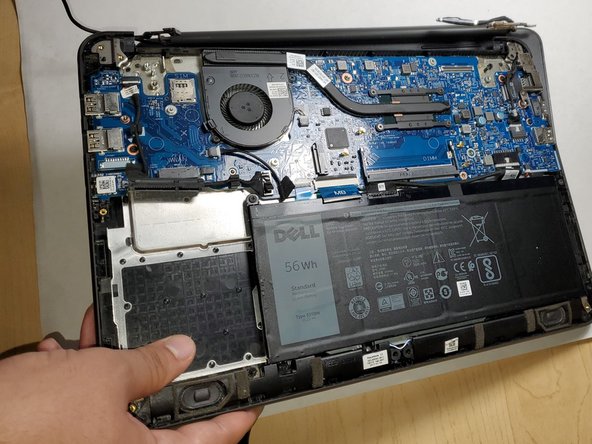
- Lift up the bottom part of the laptop to separate the display assembly from the rest of the laptop.