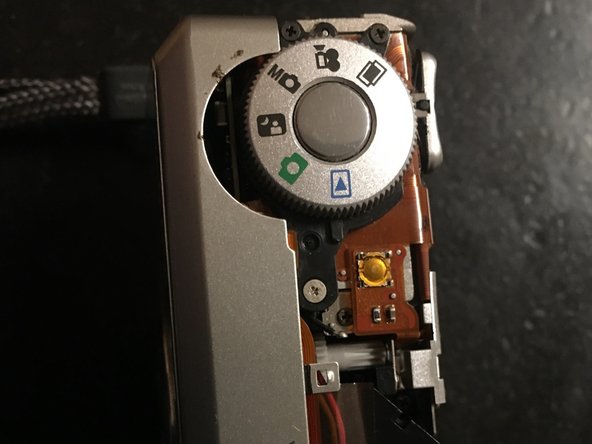
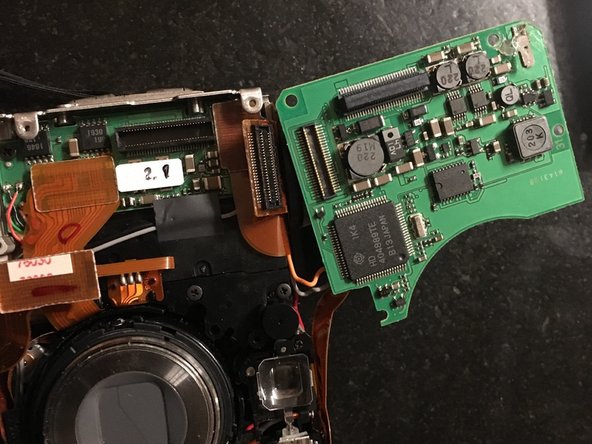
PENTAX OPTIO 330 Internal Battery replacement
ID: 146832
Description: This guide shows you how to replace the...
Steps:
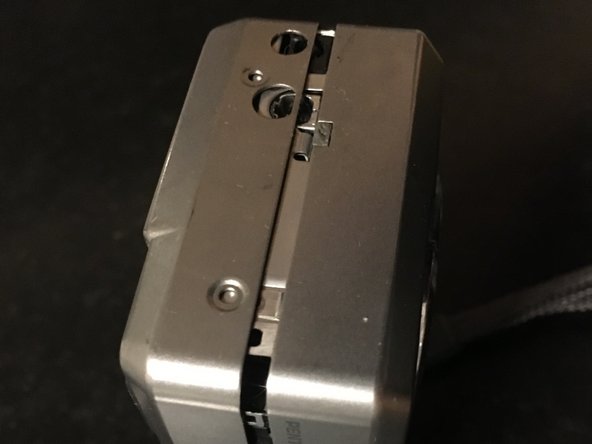
- remove the two 2.5mm screw of the left side
- Remove two 4mm screw of the right side
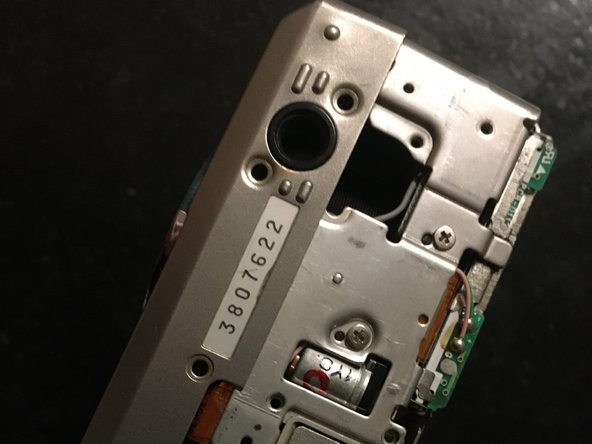
- remove 2mm screw
- remove 3mm screw
- remove the three 3.5mm screw
- Open the memory protection
- Remove gently the rear cover
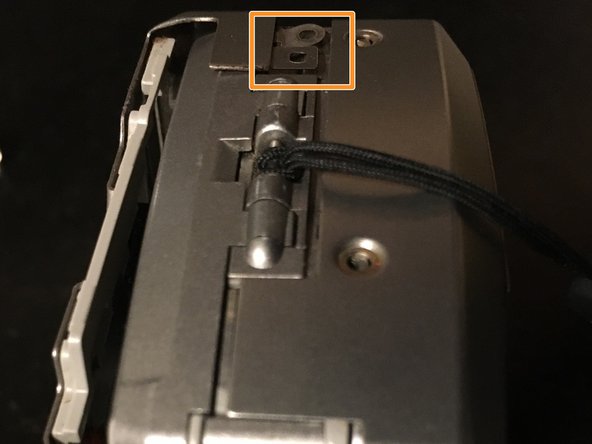
- When re-assembly take care to the thin tabs
- this part can fall down. So rome it before next step.
- Insérez ici votre traduction
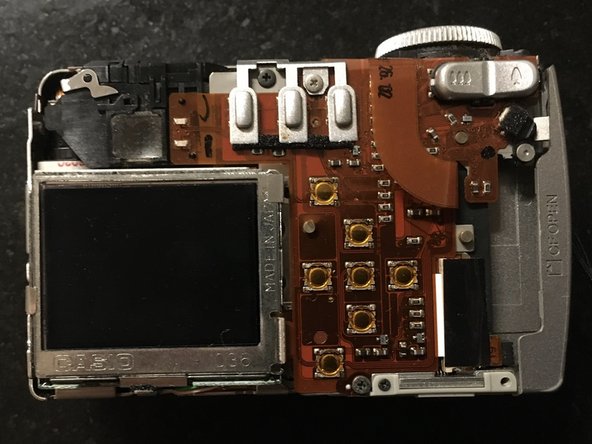
- Remove four screw
- unplug the two Flex
- This connector is directly to the board
- This Flex connector need to be unplug
- The 321 battery is there
- You can add some thermal glue to fix the battery
- I did it with a small piece of scotch