Yuneec ST16S Backplate Replacement
ID: 147031
Description: Is the backplate of your Yuneec ST16s damaged...
Steps:
- Remove the single screw from the battery compartment.
- Remove the rubber bumpers from the back of the device using a spudger.
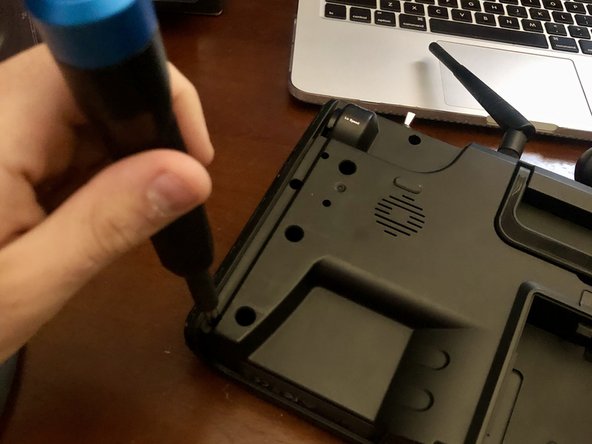
- Remove the two screws located under each of the rubber bumpers.
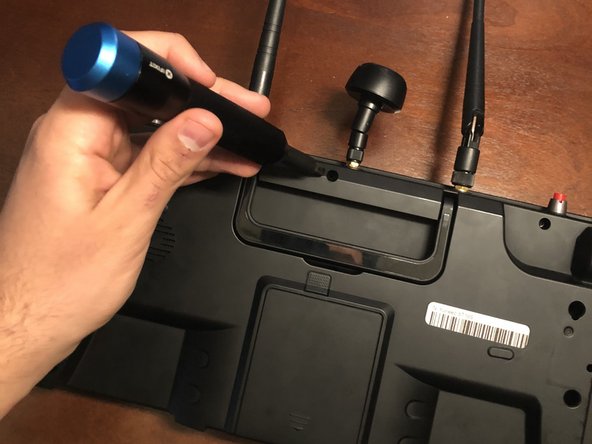
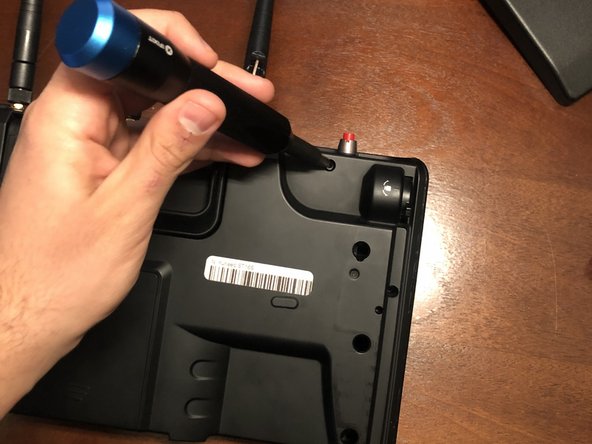
- Remove the three screws along the top of the device.
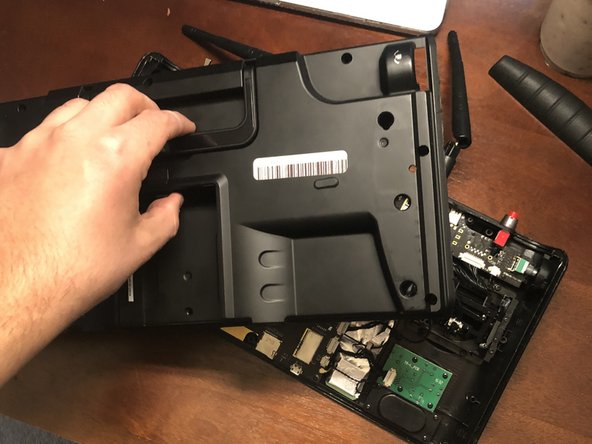
- Carefully remove the backplate from the device.