Garmin Rino 700 Battery Disconnect
ID: 147046
Description: Prerequisite-only.
Steps:
- Flip the Garmin Rino 700 over so that the underside is facing up.
- Using the TR6 Torx Security screwdriver, remove the six 9.5 mm screws on the backside of the device.
- Remove the battery cover and set it to the side.
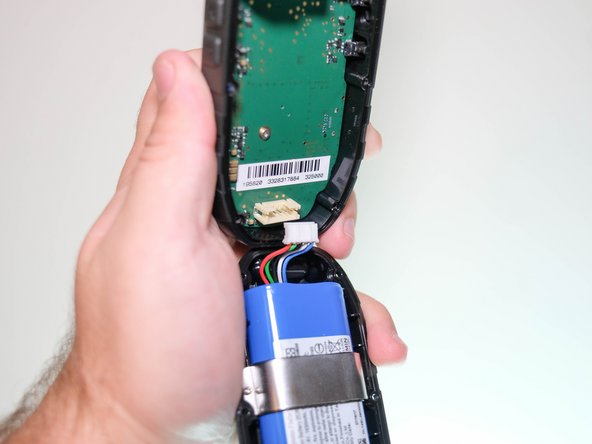
- Use the spudger to disconnect the battery wire port from the motherboard.