Lenovo IdeaPad S340-15IWL Charging Port Replacement
ID: 147069
Description: Use this guide to replace the charging port in...
Steps:
- Power off the laptop and place it face-down on a non-scratching surface.
- Using a Torx T5 screwdriver head, remove all ten 6 mm screws holding the back panel in place.
- Slide a plastic opening tool underneath the back case near the screen hinges.
- Gently pry up on either side of the case.
- You may hear popping sounds as you pry up the back case. This is normal. If the case does not open, try prying at a different angle/position.
- Disconnect the battery cable by gently pulling it straight out of the connector.
- Be sure to pull parallel to the device to avoid bending the motherboard connector.
- The battery connector does not lock and only requires light pressure to insert and remove.
- Remove the three total silver 6 mm screws from the hinge of the screen in the top right corner of the device using a Phillips #0 screwdriver.
- Use an opening tool to flip up the hinges.
- You may have to apply some force.
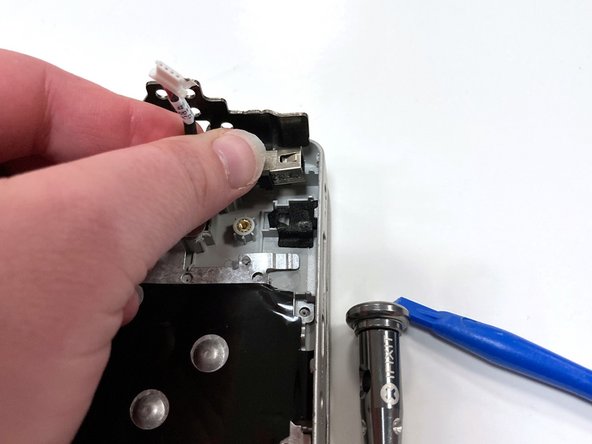
- Unplug the charging port cable by sliding it out of its motherboard socket.
- Remove the charging port by pulling vertically at the base of the wires.