Sharp-EL-531xg Battery Replacement
ID: 147702
Description: This guide will show you how to replace the...
Steps:
- Press the 2nd F button and then the OFF button to power down the calculator.
- Flip the calculator over so the back is facing upwards.
- Remove the single screw from the battery panel using a Phillips #0 screwdriver.
- Remove the battery cover using two fingers.
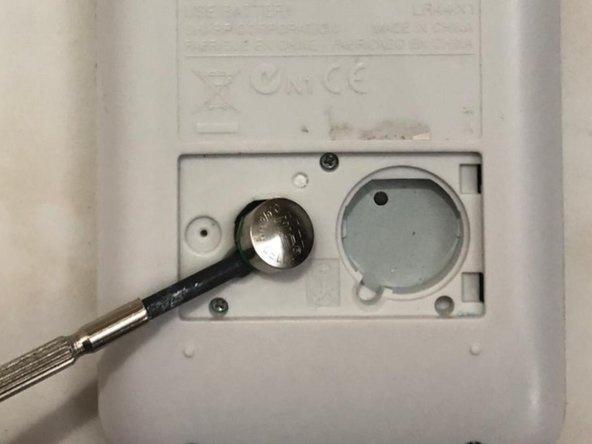
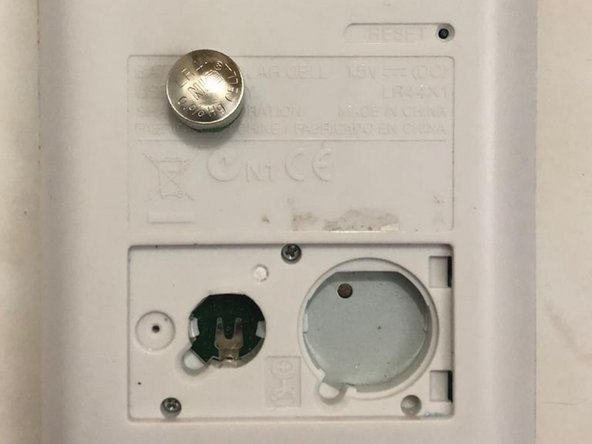
- Place a spudger in the slot next to the battery and pry upwards to remove the battery.
- Avoid using a sharp tool to remove the battery.
- Place the new battery into the slot with the positive (+) side facing upwards
- Don't press the battery too hard.
- Put the battery cover back on.
- Tighten the battery cover screw with a Phillips #0 screwdriver.
- Press the On button to turn on the calculator.
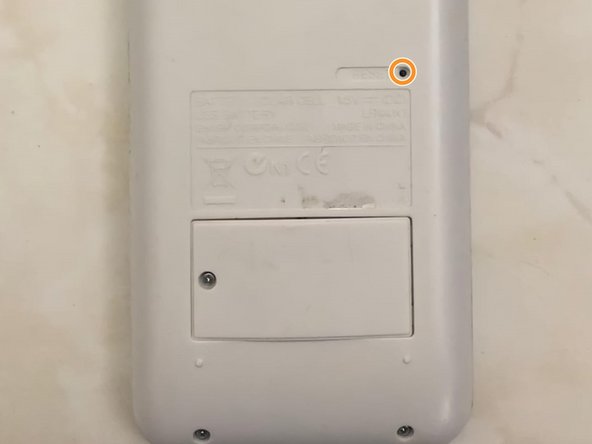
- Flip the calculator over so the bottom is facing upwards.
- Press the reset button with the pointed end of a spudger to restart the calculator.