iRobot Roomba e5 Maintenance
ID: 149016
Description: If your Roomba Robot e5 isn't working as it...
Steps:
- To remove the edge sweeping brush, use a Phillips #0 screwdriver to remove the 8 mm screw holding it in place.
- To remove the two multi-surface brushes, lift the adjacent piece by pressing down the green lever and pulling it up.
- Then remove the brushes by lifting them by the right side.
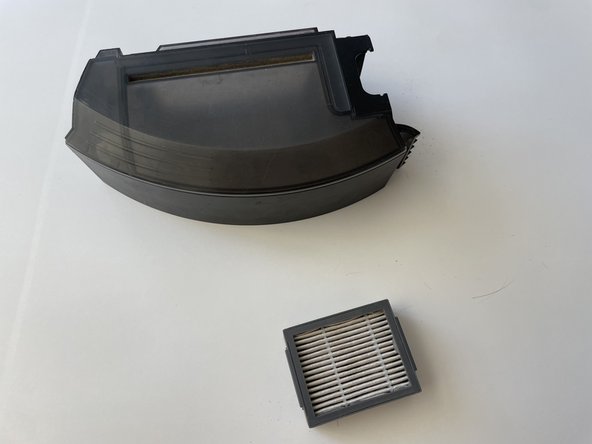
- To remove the dust bin, press down on the button with a “trash bin” drawing by the side of the vacuum.
- While pressing the button, gently pull the dust bin out.
- When removing the dust bin, dust can tip over the surface and create a mess.
- To remove the filter located at the right side of the dust bin, press the filter on top and at the bottom and pull.
- Clean every part of the vacuum thoroughly with a dust rag or paper towel and Q-tip.