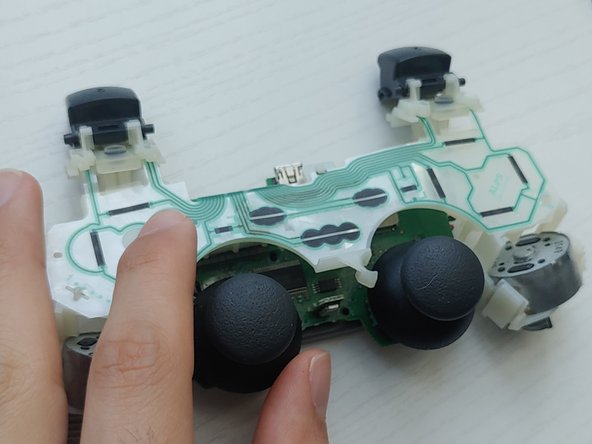
PlayStation Start and Select Buttons Replacement
ID: 149020
Description: If your Playstation DualShock 3 controller's...
Steps:
- Before you begin, unplug your controller and console to avoid accidentally turning it on during disassembly.
- Use a Phillips #1 screwdriver to remove the five 7.2 mm screws securing the rear cover.
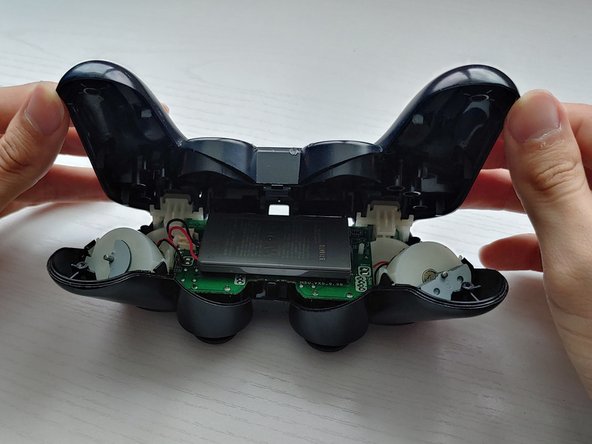
- Gently push the rear cover towards the front of the #2 trigger buttons.
- Lift the rear cover.
- The #2 trigger buttons may come off when removing the cover.
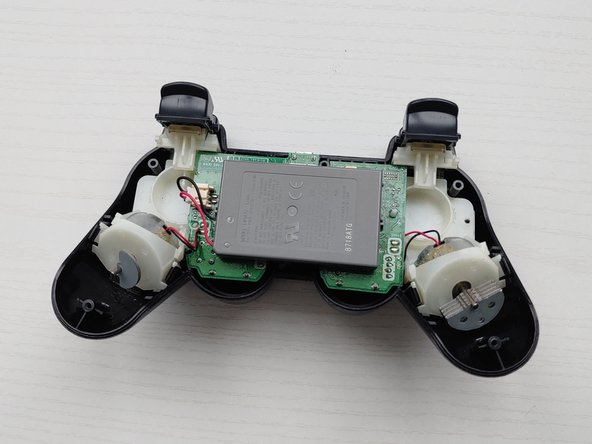
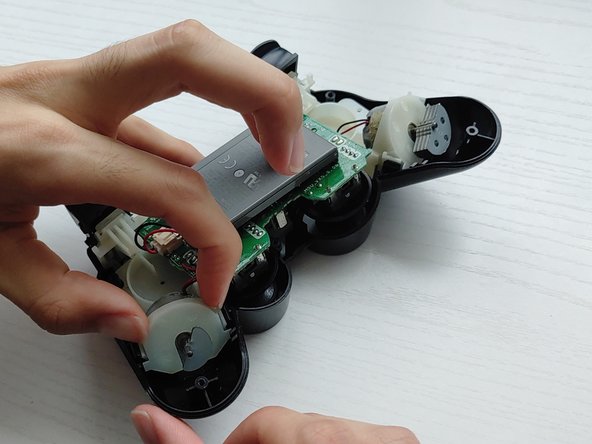
- Lift the battery and set it beside the controller, with care not to strain the wires.
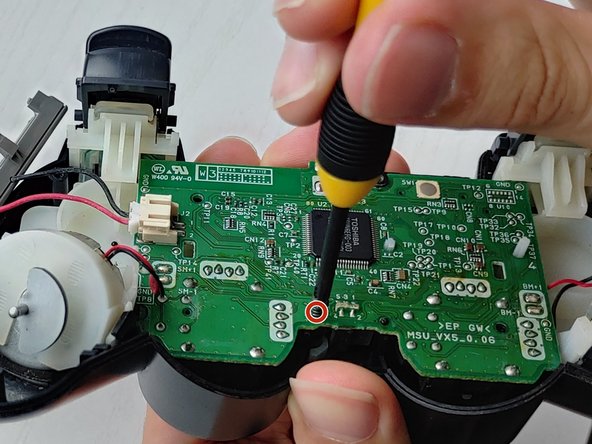
- Use a Phillips #1 screwdriver to remove the single 7.2 mm screw securing the motherboard.
- Unclip the vibrating motors.
- Be careful not to break the black and red wires connected to the motherboard. They are very fragile!
- Lift off the plastic housing holding the motherboard, battery, and vibrating motors.
- Remove the rubber buttons with a pair of tweezers.