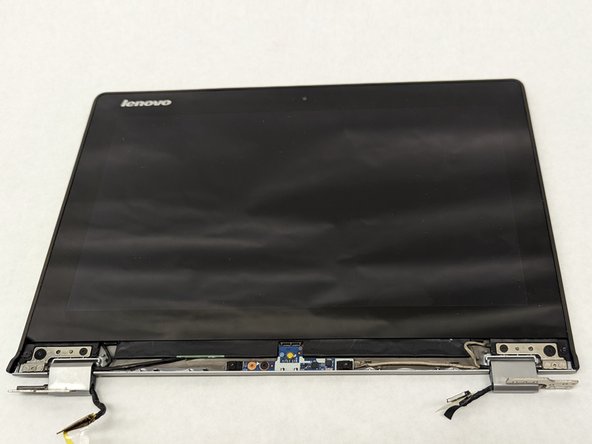
Lenovo Yoga 2 11" 20428 Display Replacement
ID: 149084
Description: A display replacement may be required if your...
Steps:
- Remove the plastic square covers on the hinge cover.
- Remove the two 3.8 mm screws from the hinge cover.
- Remove the hinge cover.
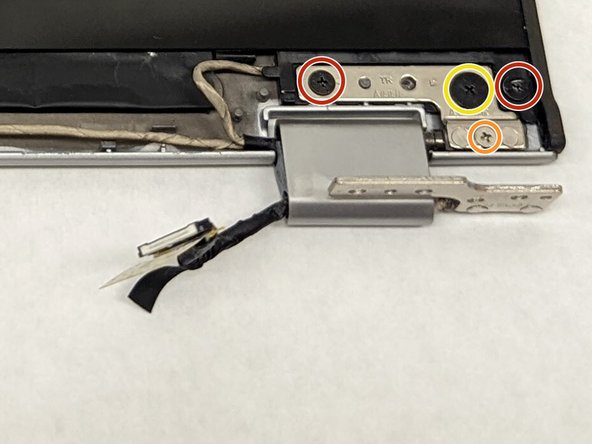
- Remove the 2.8mm screws.
- Remove the 5mm screws.
- Remove the 2.4mm screws.
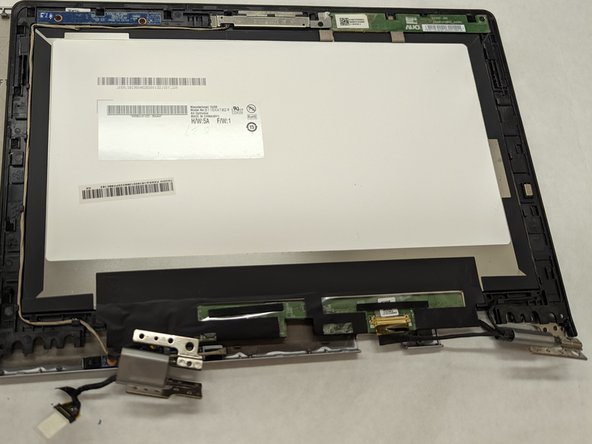
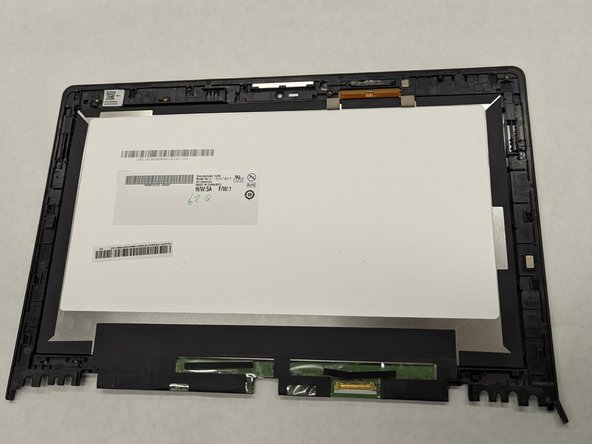
- Remove the front cover of the display
- Unplug the button sensor board.
- Do not damage the teeth. Damaging the teeth of the sensor board may require you to replace the part.
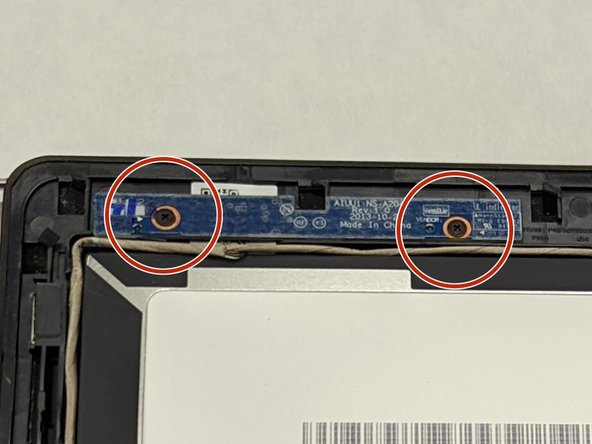
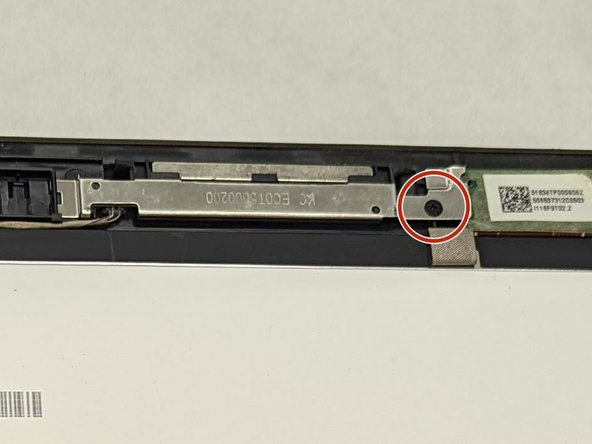
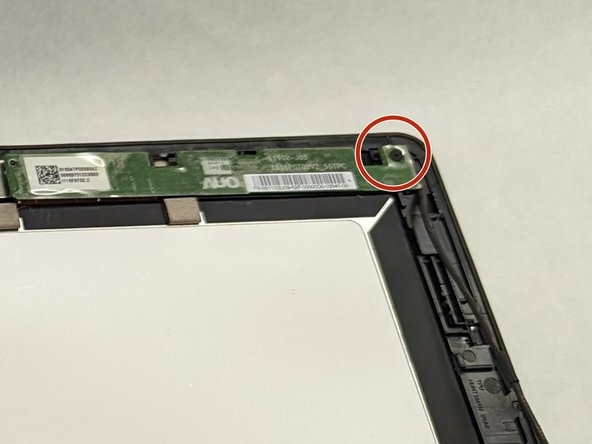
- Remove the 2.1 mm screws from the brightness sensor board.
- Remove the 3.3 mm screw on the camera.
- Removal of the camera will result in the connecting wire to be disconnected as well
- Remove the 3.3 mm screw on the touch control board.
- Remove the touch control board
- Do not damage the teeth. Damaging the teeth may call for replacement of the part.
- Removal of the touch control board will result in the connecting wires to be removed as well