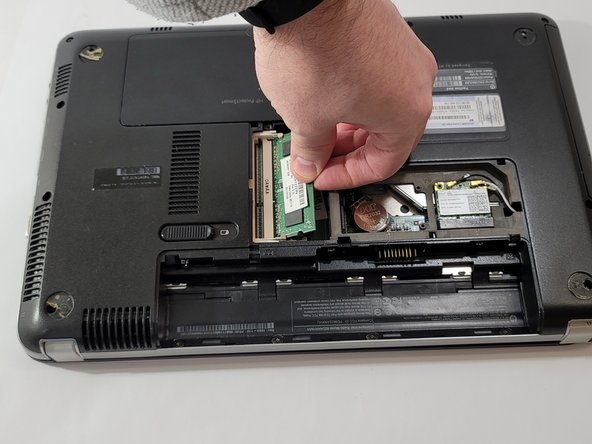
HP Pavilion dm4-1265dx RAM Replacement
ID: 149201
Description: If your HP Pavilion dm4-1265dx laptop has a...
Steps:
- Flip the laptop over so the bottom is facing up.
- Push the sliding lock to release the battery.
- Remove the battery by lifting it away from the device.
- Orient the device so that the empty battery port is closest to you.
- Loosen the two captive screws holding the back panel in place using a Phillips #0 screwdriver.
- Pull back and lift the back panel to remove it from the device.
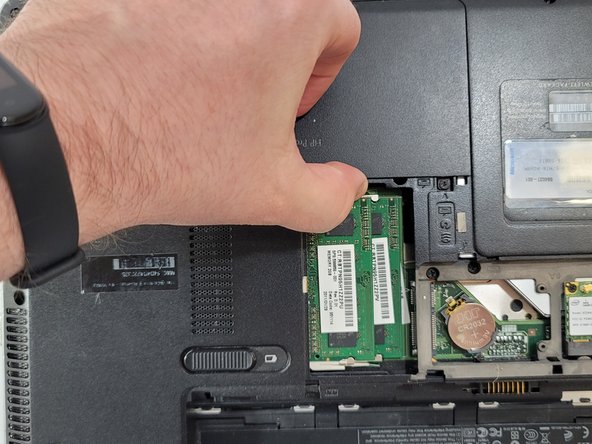
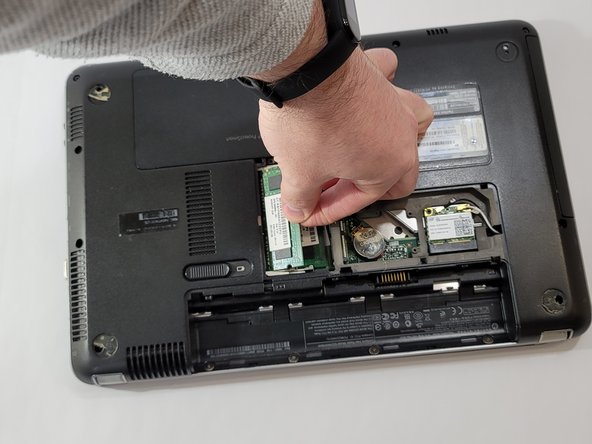
- Push the two clips on either side of the top RAM stick away from each other.
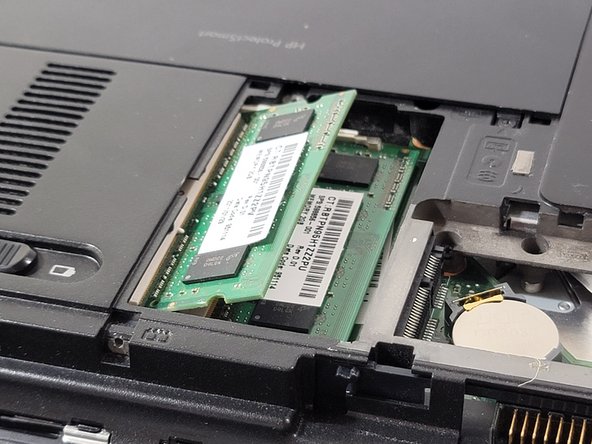
- Pull the top RAM stick upwards.
- The RAM stick should be at an angle to the device.
- Gently pull the RAM stick away from the socket.
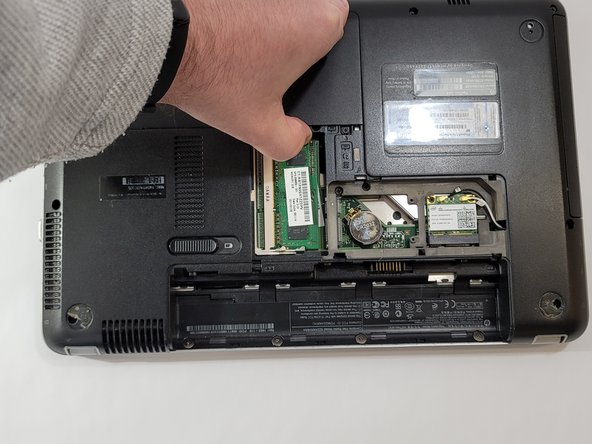
- Push the two clips on either side of the lower RAM stick away from each other.
- Pull the lower RAM stick upwards.
- The RAM stick should be at an angle to the device.
- Gently pull the RAM stick away from the socket.