Cisco Catalyst 2975 network switch cooling fan replacement
ID: 149214
Description: You may have spare Cisco switches in your...
Steps:
- Call or email Cisco TAC to see if your switch is under warranty. If under warranty, a refurbished switch may be able to sent to you without disassembling anything.
- Remove rack ears with a phillips screwdriver on both sides if there are any attached.
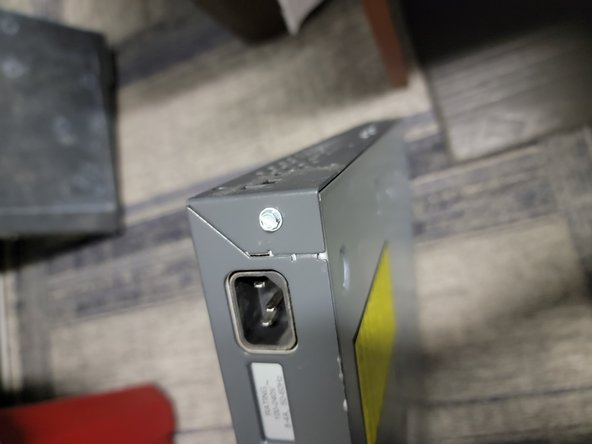
- remove two round head screws on both left and right sides of switch with phillips head screwdriver.
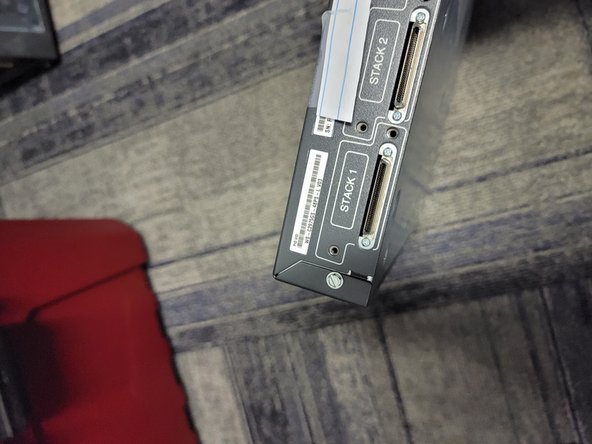
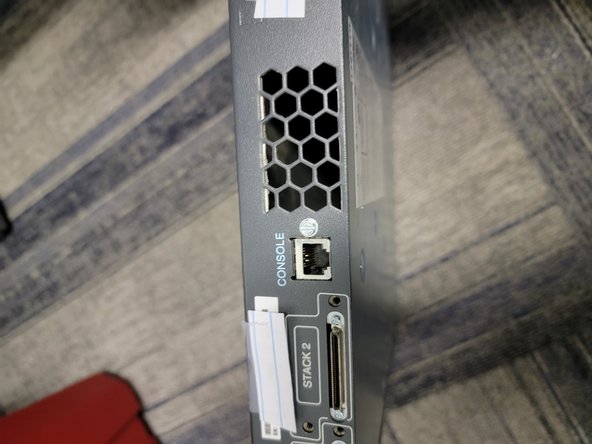
- Remove back side screws with flat head or hex head screwdriver. Total of four.
- Remove the rest of back side screws with flat head or hex head screwdriver. Total of four.
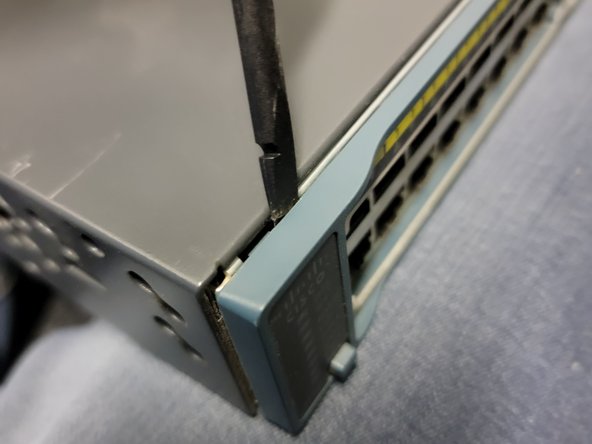
- Remove switch plastic faceplate with plastic pry tool or spudger. Once you insert the tool in one of the edges, you can twist the tool with enough force to pry it open with a twisting motion.
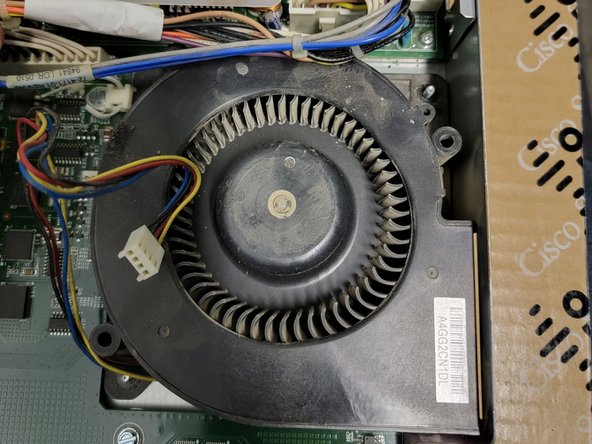
- Slide off case cover back and up to remove. The edges aren't sharp, but use caution as a bit of force is needed to get it off. Also observe the cooling fan exhaust port.
- Remove hex screws on both sides corners of the cooling fan using a hex screwdriver. The each have small washers underneath them.
- Optional - for safety, I would recommend disconnecting both of the power cables from the power supply. You may need to cut the cable zip tie that holds the cable down between the fan and the power supply. Be careful not to cut any of the power cables.
- Disconnect fan power connector from the motherboard by hand or with pliers.
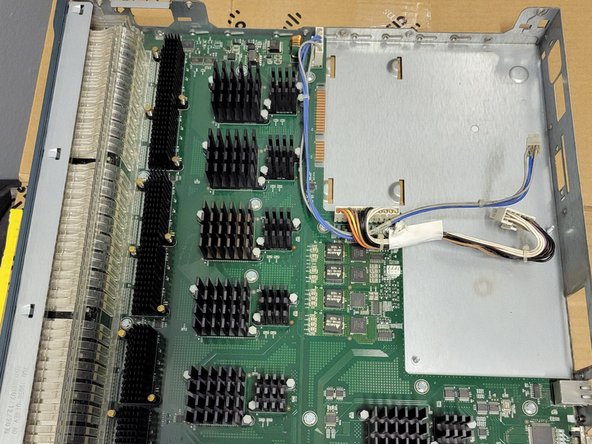
- Just for reference, the last picture shows the power supply and cooling fan removed.