Apple Watch SE Mother Board Removal
ID: 149245
Description: This Guide Picks up after the Battery and...
Steps:
- Unscrew Tri-screw and remove small plate cover.
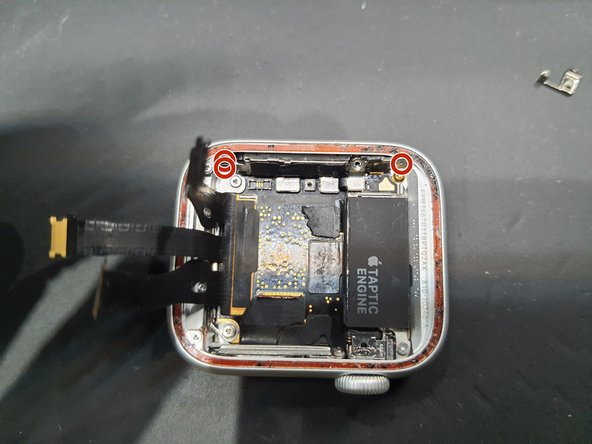
- Then, remove these two Tri-screws.
- Undo both connectors highlighted.
- Then the Taptic engine should be able to be lifted out.
- The Taptic engine has some adhesive on the cable outlined in blue that sticks it to the speaker.
- Disconnect this connector.
- Then remove these 3 tri-screws.
- Remove the speaker slowly.
- Where my tweezers are located seems to be the best place to remove the speaker.
- 4 more Tri-screws are removed here.
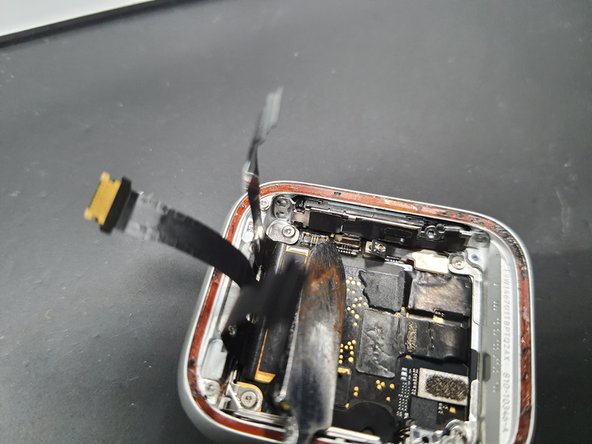
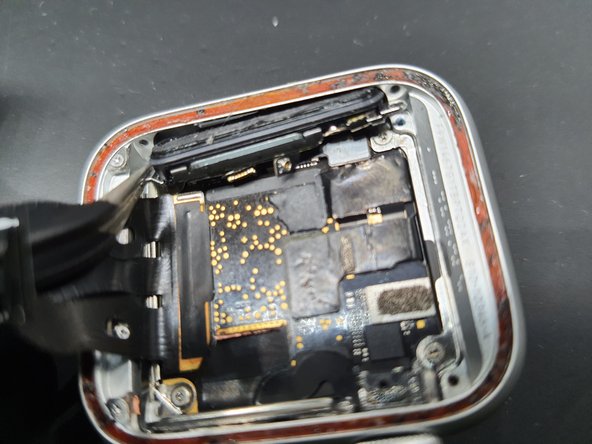
- Gently pulling back the screen flex cables reveals 2 more Tri-screws that should be removed.
- Then the brackets can be removed with tweezers.
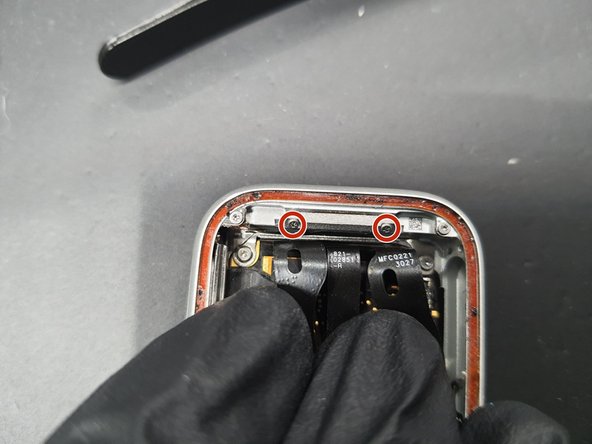
- Remove these 2 Tri-screws.
- After taking off the first bracket, take of the next Tri-screw and remove the second bracket.
- Disconnect the Power button FPC.
- The FPC here has 2 connections. DO NOT pry in the middle as it may bend.
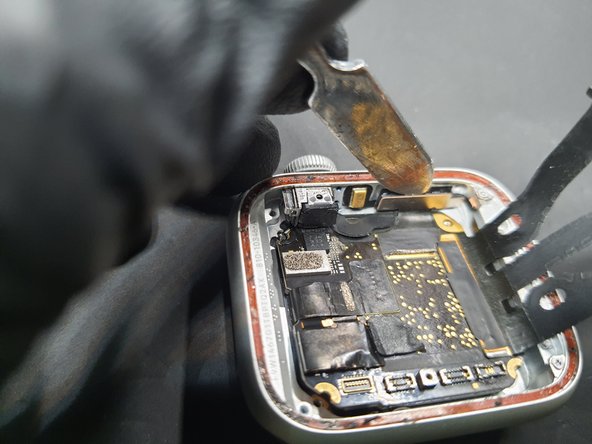
- Starting in the bottom right corner as show here. Gently wedge in a spudger and pry up on the board.
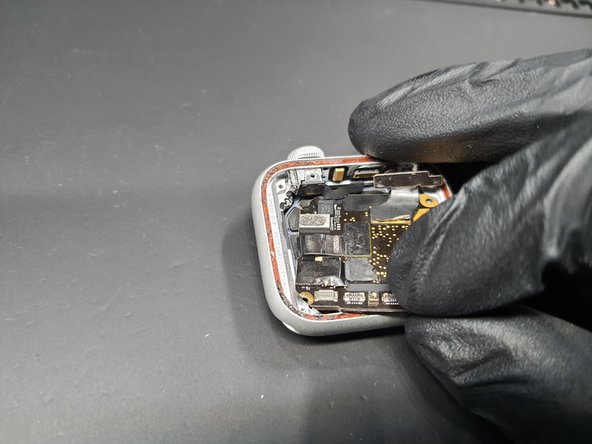
- Once you are able to get a good hold on the board move try pulling down and to the right in a clockwork motion.
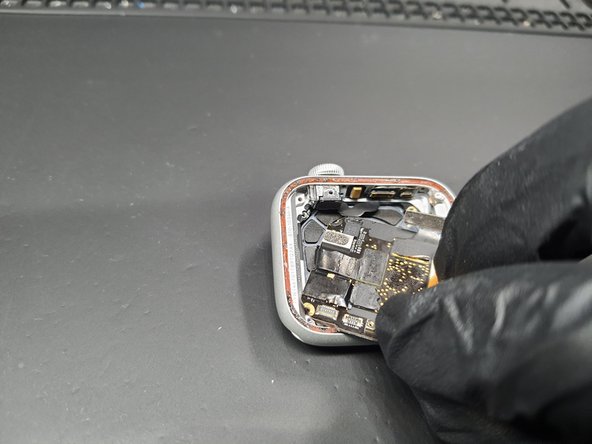
- Do this motion slowly as there is a final connector under the board.
- Once the board is lifted out, the final connector is highlighted.
- Disconnect and you are all done!
- Repeat steps backwards to put everything back together.