Lenovo ThinkPad T495 Speaker Replacement
ID: 149277
Description: Are you dealing with crackling audio or...
Steps:
- Use a Phillips #00 screwdriver to loosen the six captive screws.
- The screws will stay attached to the back cover as you lift it off; do not attempt to remove them.
- Use an iFixit opening tool to start prying under one of the hinges, between the baseplate and chassis, and work your way around the perimeter until the baseplate releases.
- Lift off the baseplate.
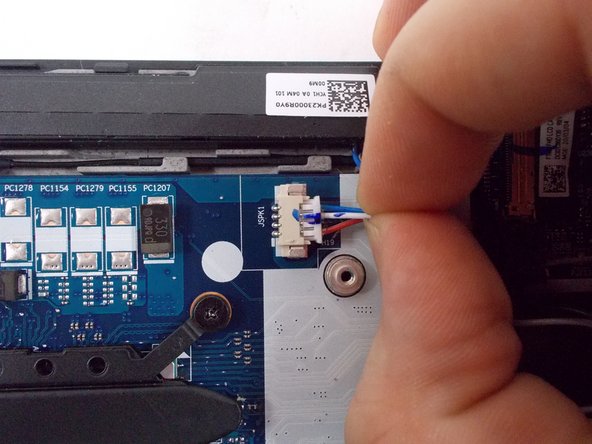
- Grip the speaker cable as close as possible to its motherboard plug, and pull directly backwards, parallel to the motherboard, until the plug releases.
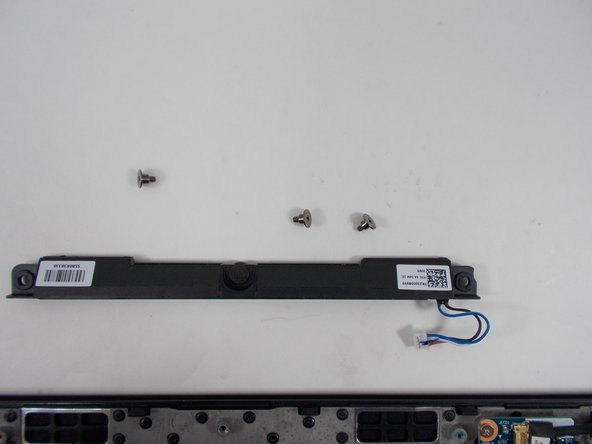
- Use a Phillips #00 screwdriver to remove the three 1.6 mm screws.
- Holding both sides, lift the speaker up and out.