Samsung Galaxy Tab S7 Plus Bottom-Left Loudspeaker Replacement
ID: 149322
Description: Use this guide to replace the bottom-left...
Steps:
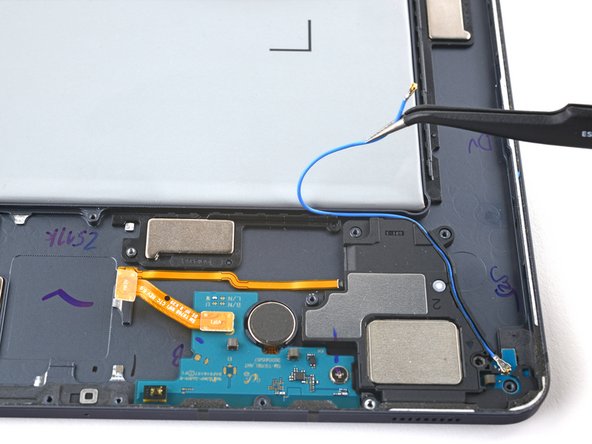
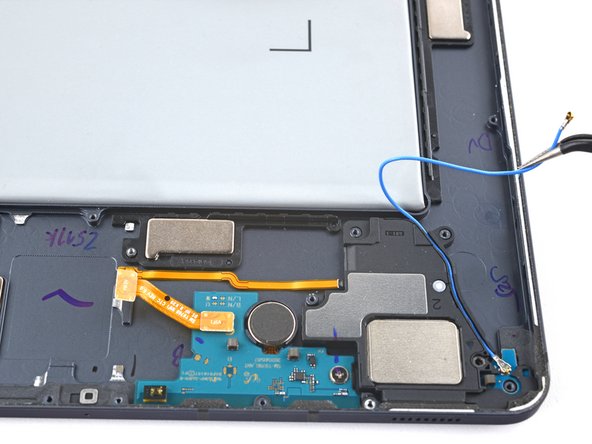
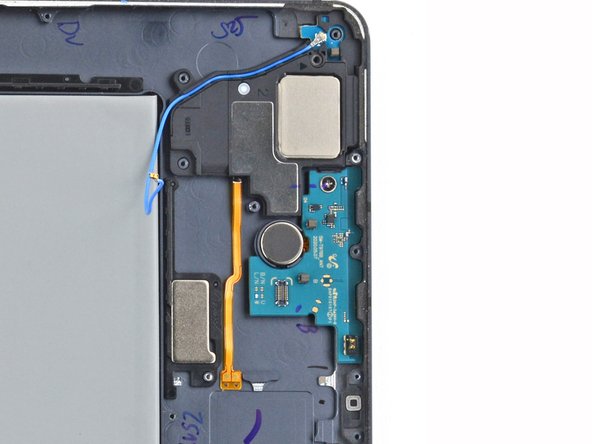
- Pull the bottom-left coaxial cable away from the frame, making sure the cable is completely unthreaded from the frame.
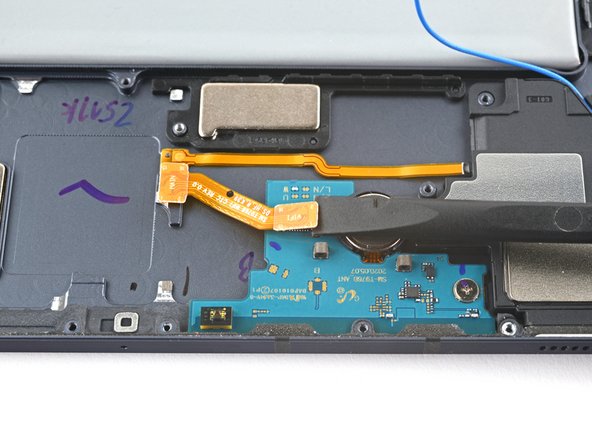
- Use the flat end of a spudger to pry up and disconnect the antenna board's interconnect cable secured to the antenna board.
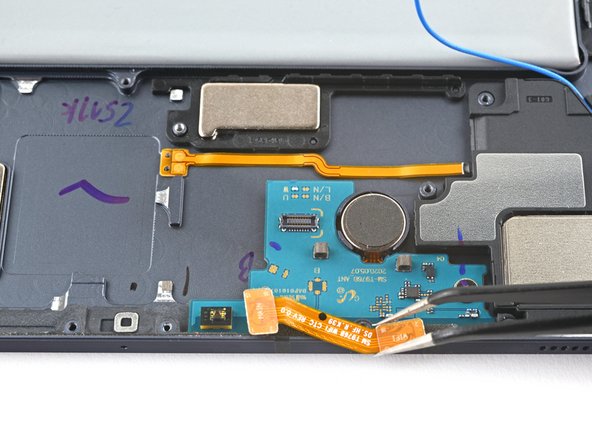
- Use tweezers, or your fingers, to remove the cable.
- Use a Phillips 00 screwdriver to remove the 2 mm screw securing the antenna board to the frame.
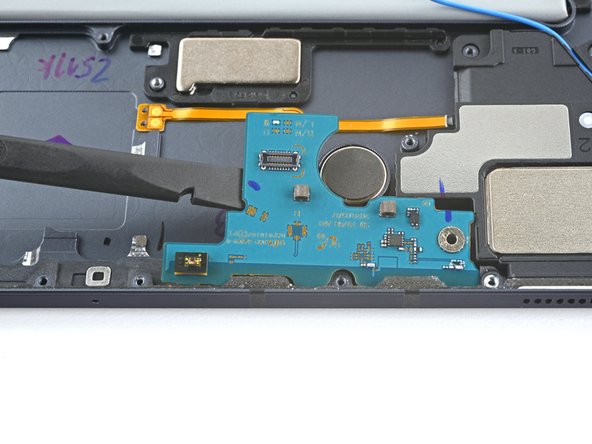
- Insert a spudger into a gap between the antenna board and the frame.
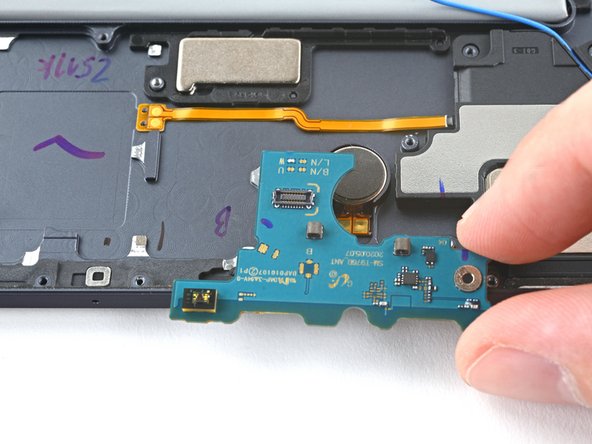
- Pry up with the spudger to separate the antenna board from the frame.
- Remove the antenna board.
- The bottom-left loudspeaker's connector is secured to the frame by adhesive; use heat to avoid tearing the connector.
- Apply a heated iOpener to the left edge of the device for two minutes.
- A hair dryer, heat gun, or hot plate may also be used, but be careful not to overheat the device.
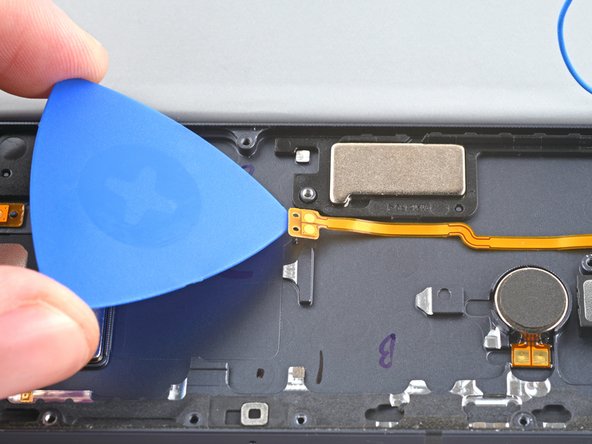
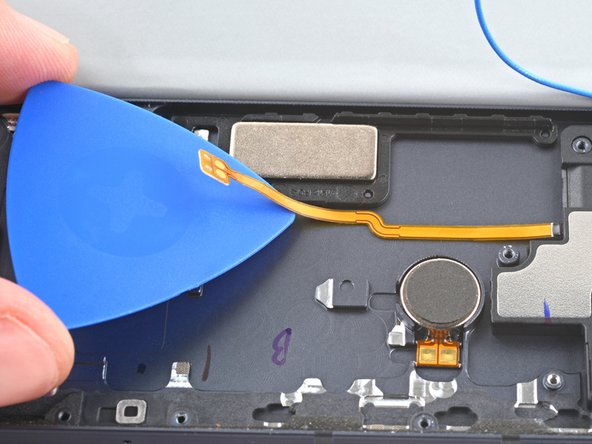
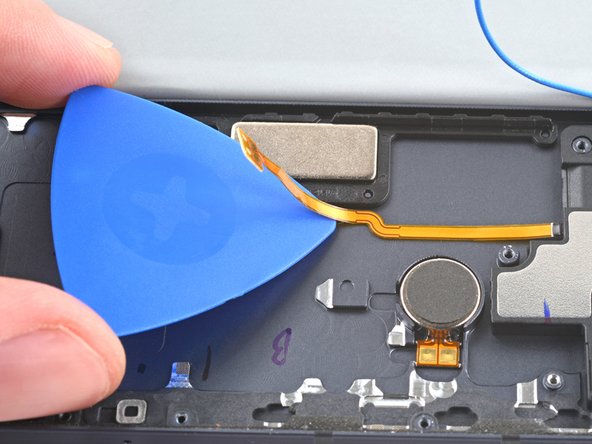
- Insert an opening pick between the bottom-left loudspeaker's copper connector pads and the frame.
- Pry up while slicing the adhesive to separate the pad from the frame.
- Slice with the opening pick along the bottom of the connector's cable to completely separate it from the frame.
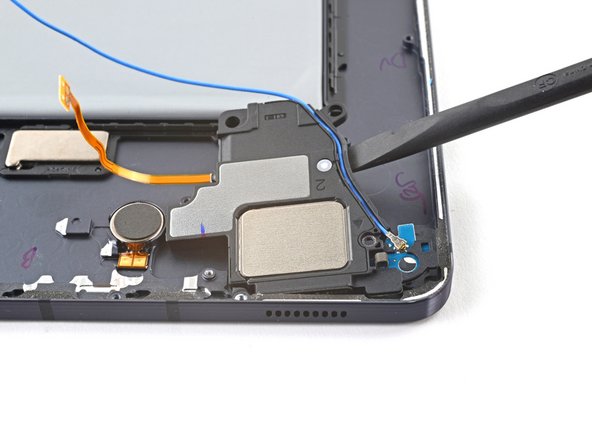
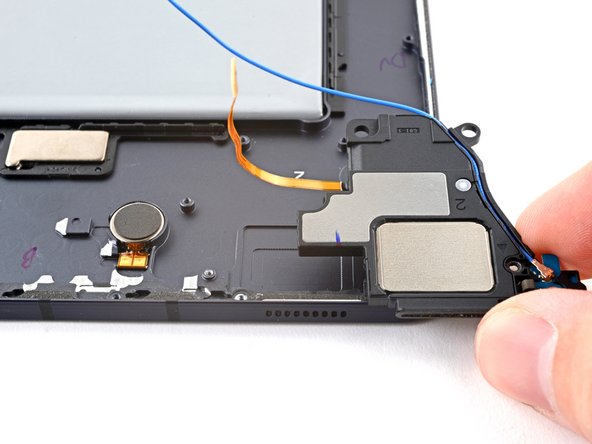
- Use a spudger to pry up and separate the loudspeaker from the frame.
- Remove the loudspeaker.