Fitbit Luxe Teardown
ID: 151606
Description: This is a teardown of the Fitbit Luxe to have a...
Steps:
- Remove packaging to reveal box contents
- Use a heat gun, hair dryer, or heating pad to heat the back cover
- The device and area may be hot after heating process
- Wedge a spudger or other opening tool in the seem between the housing and back cover
- Pry open the back cover evenly around the edge of the seem until back cover can be removed
- Similar to the previous step, apply heat to the screen
- Use a spudger, opening tool, or guitar pick to separate the screen from the housing
- There may be glass shards if excessive force is used during prying
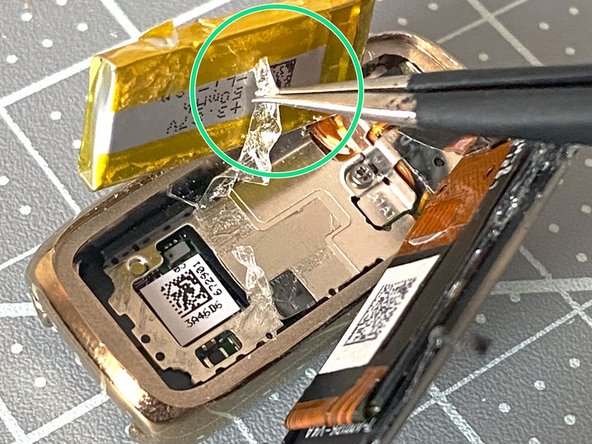
- Use tweezers to lift the battery from the housing
- Do not squeeze or pierce the battery
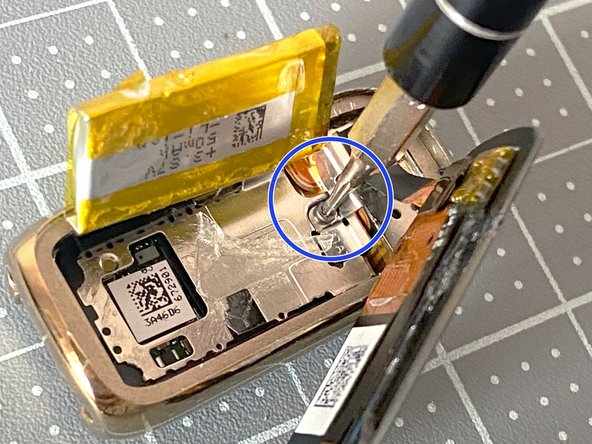
- Use a Torx screwdriver to remove the center screw
- Use tweezer to remove the first bracket
- Move the battery and screen to the side to provide better visibility
- Use tweezers to remove the underlying bracket
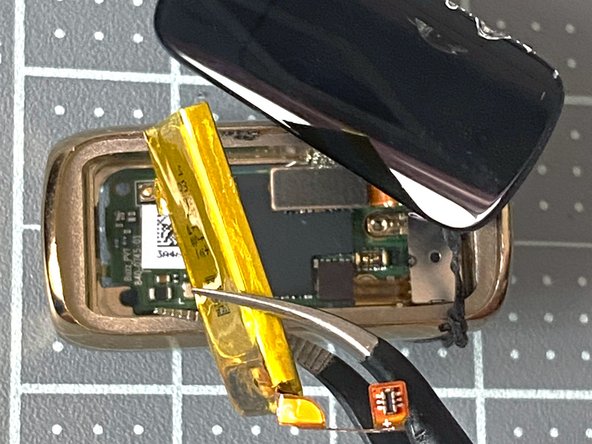
- Using tweezers, gently remove the battery's connector from the PCB
- Lift the battery out of the assembly
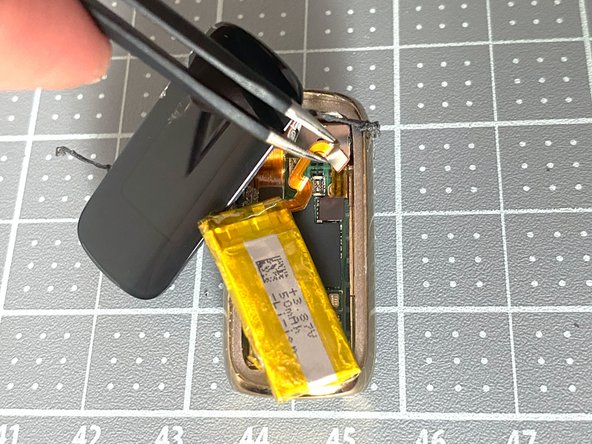
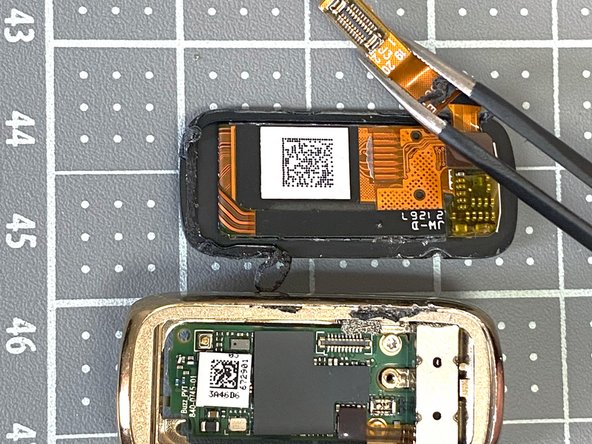
- Locate the screen's connector on the PCB
- Using tweezers, gently remove the connector from the PCB
- Use tweezers to lift the haptic module connector from the PCB
- Remove the haptic module
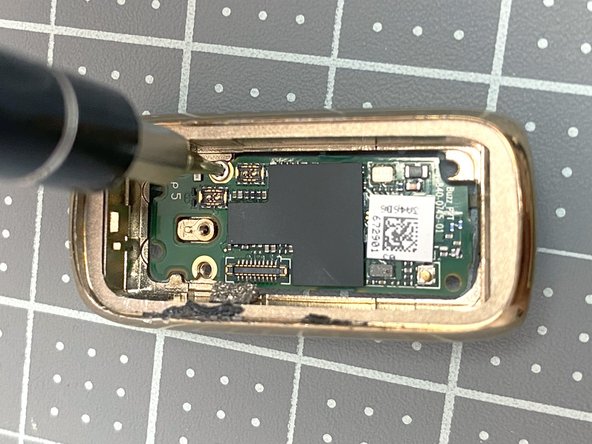
- Use a Torx screwdriver to remove the two screws on the PCB
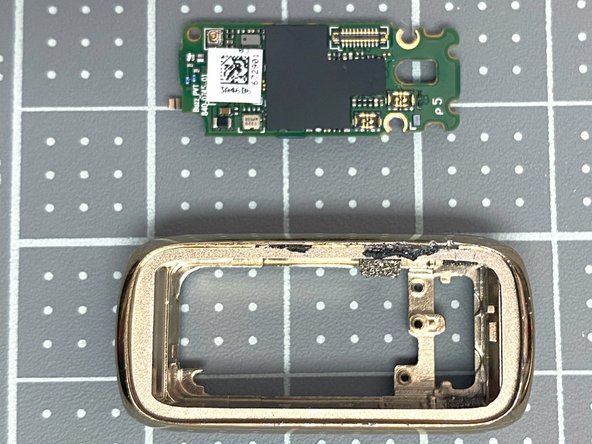
- Use tweezers to remove the PCB from the housing
- Yay you're done! Lay out all the components in true knolling fashion
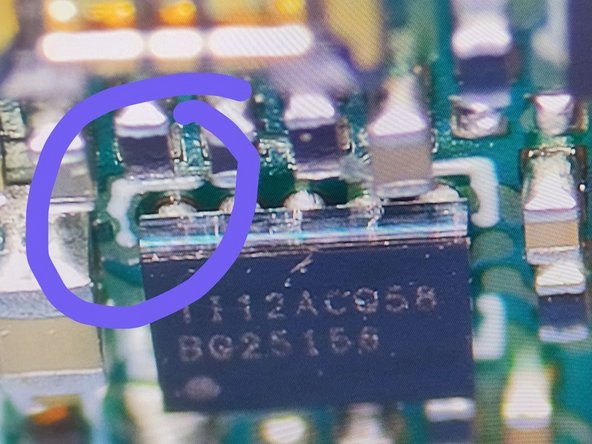
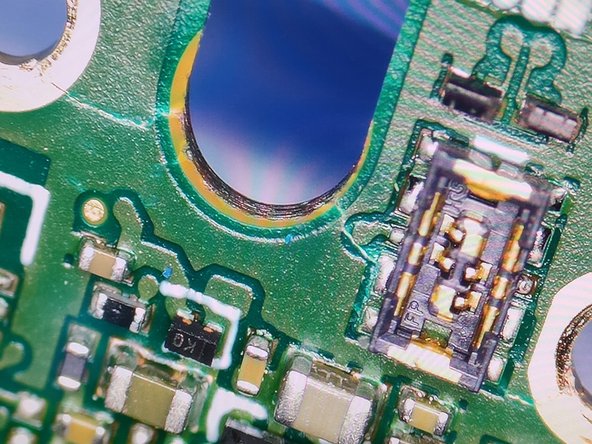
- Look for cracks, and board bents, especially near to the mounting holes (near the haptic feedback unit). My wifes luxe first stopped measuring, later started shutting down itself. When opened it I've found the battery very expanded, which have pressed the board outside and have cracked it, possibly tearing traces in the internal layers.