CASIO fx-50FH II Scientific Calculator Battery Replacement
ID: 151631
Description: This guide demonstrates the process of...
Steps:
- To turn the calculator off, first press the "shift" button.
- Release the "shift" button, then press the "AC" button.
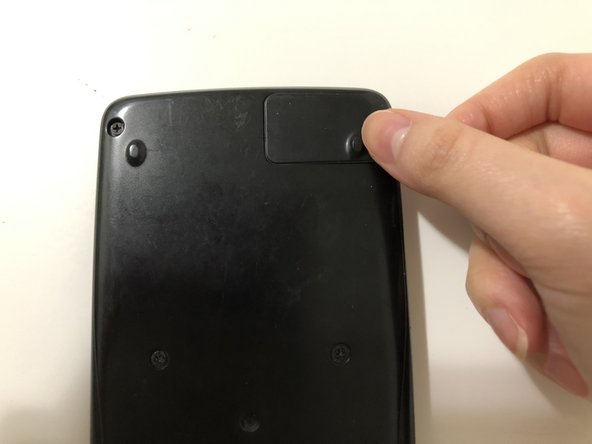
- Place the calculator face down, then use a Phillips #00 screwdriver to remove the single screw securing the battery hatch in the top right corner.
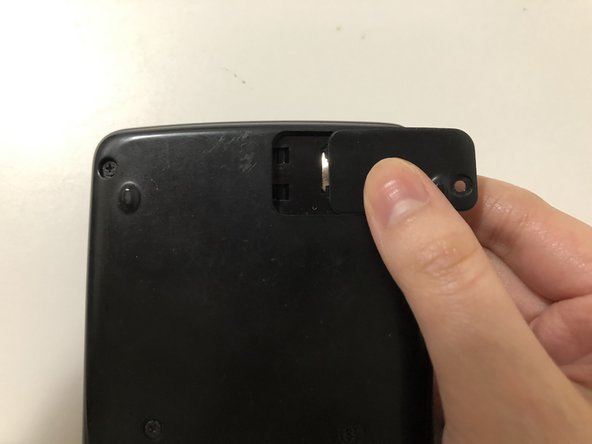
- Push the battery hatch to the right until it slides off.
- Put on a pair of protective gloves before handling the battery to eliminate the risk of chemical burns.
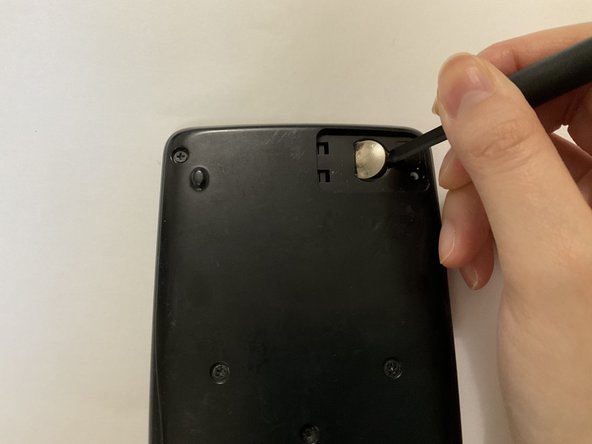
- Insert the tip of a spudger into the indent on the right-hand side of the battery to lift the edge of the battery up.
- Lift the battery up and out.
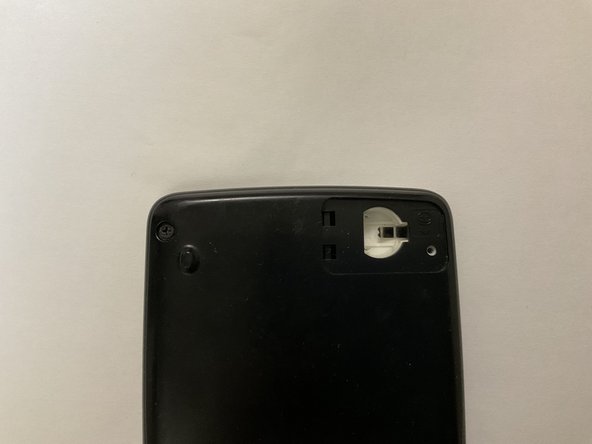
- Inspect the battery compartment any alkaline residue.
- If no residue is present, skip to Step 7.
- Use a cotton swab dabbed with white vinegar to wipe the alkaline off the battery compartment.
- Use a dry cotton swab to remove the vinegar and alkaline residues.
- Let the battery compartment dry completely.
- Insert a new LR44 1.5V alkaline button battery into the compartment, with the positive sign facing up.
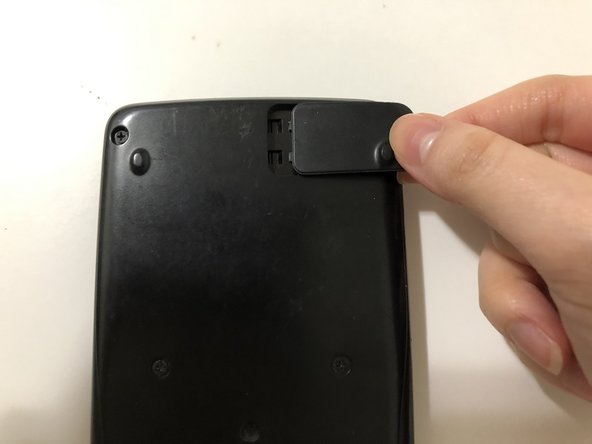
- Reattach the battery hatch by sliding the hatch in from the right to the left.
- Use a Phillips #00 to secure the screw.