Cyclone Range Hood (Model CY3000R) Circuit Board Replacement
ID: 151688
Description: If your Cyclone under mount range hood (Model...
Steps:
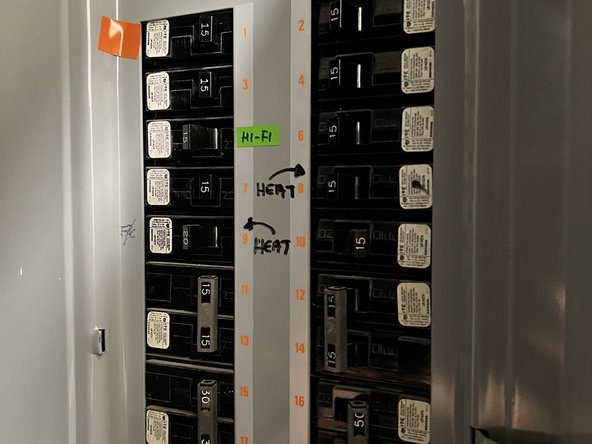
- To avoid unforeseen electric shocks, turn off the fuse supplying power to your range hood to avoid the risk of electrocution.
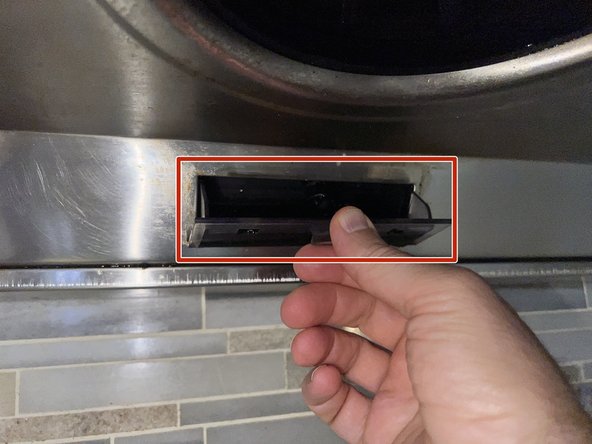
- Empty all of the grease from the grease container and clean it.
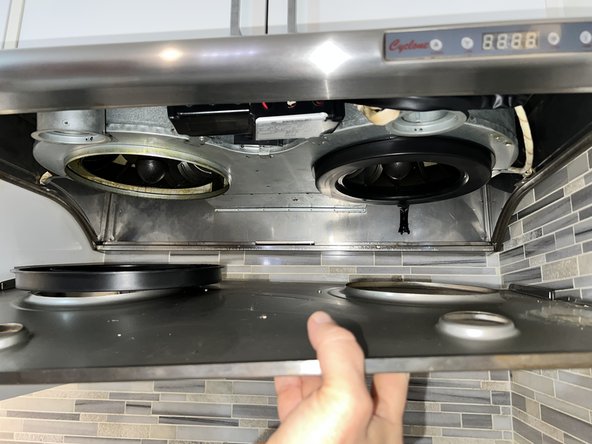
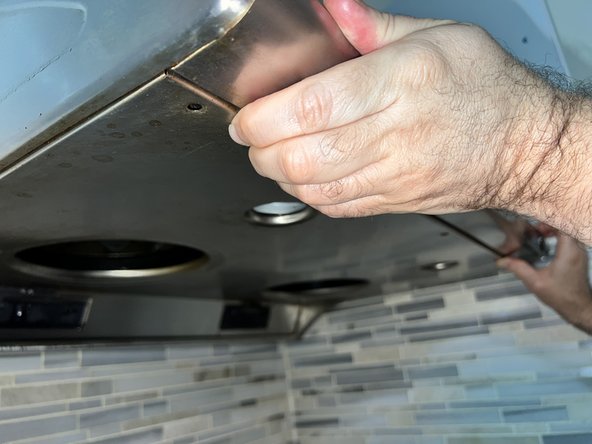
- The panel will be loose after the screws and bulbs are removed; be sure to support the panel while removing the screws and bulbs.
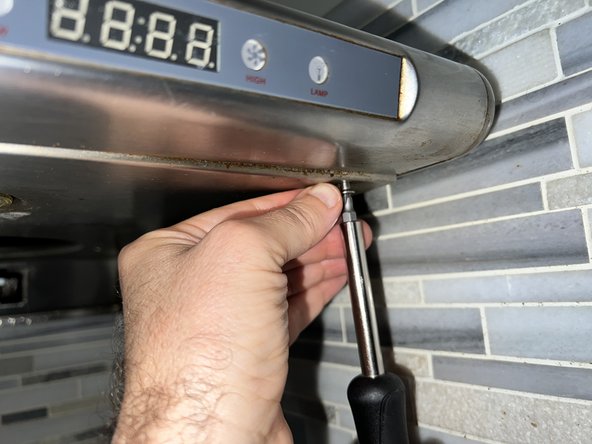
- Remove the five 10 mm Phillips #1 screws securing the panel while holding the panel in place.
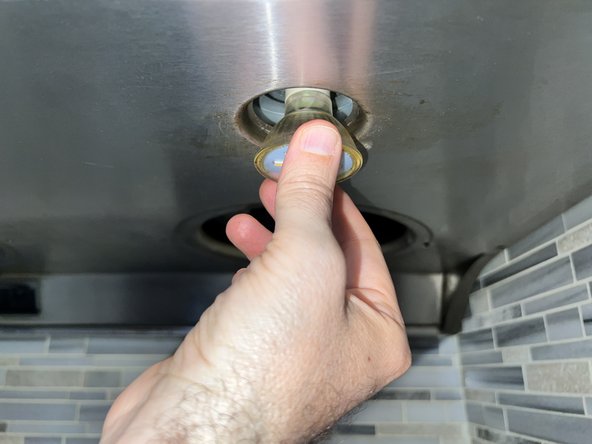
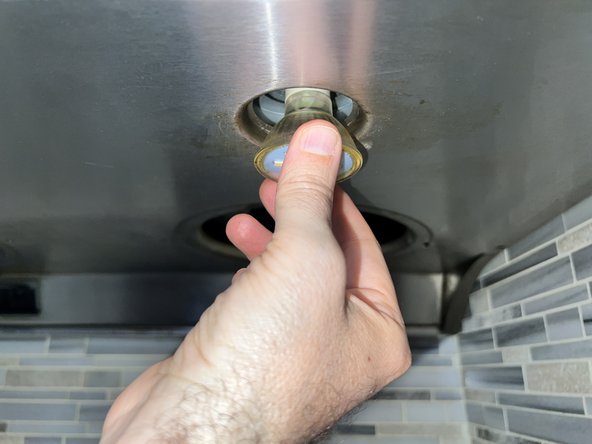
- Turn the LED bulbs counterclockwise and remove them.
- Push the panel down to remove it from the body.
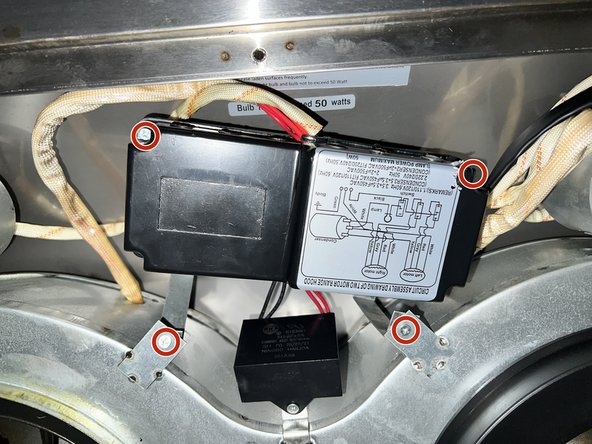
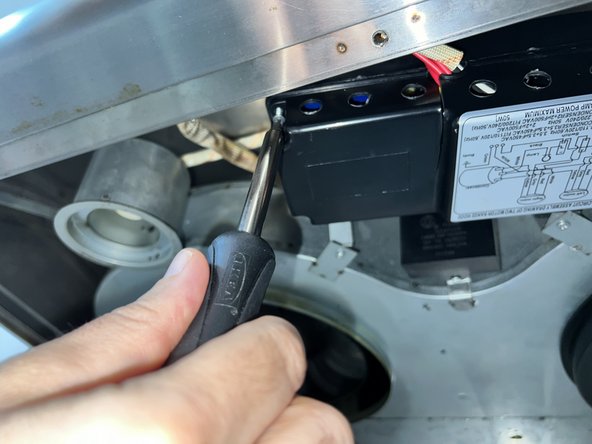
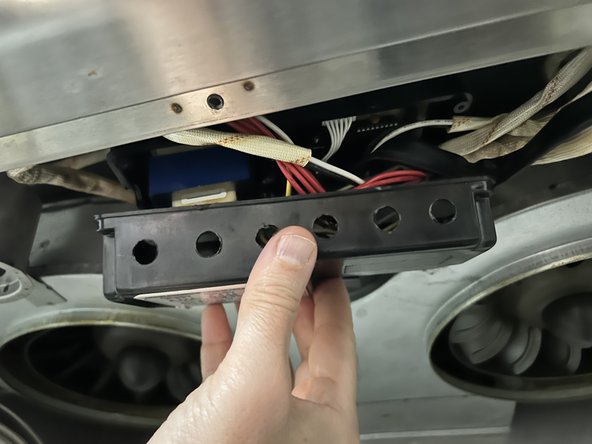
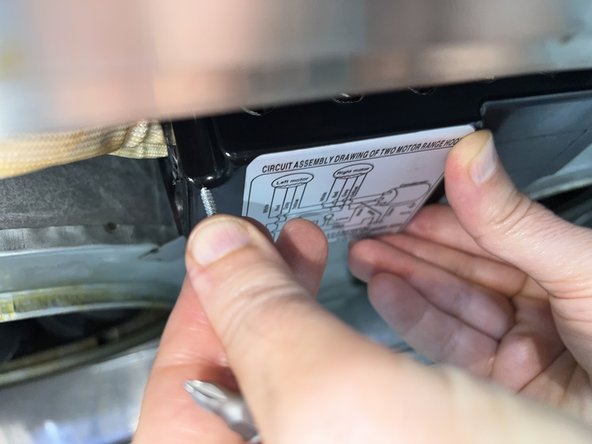
- Carefully remove the four 5 mm Phillips #1 screws from the board box.
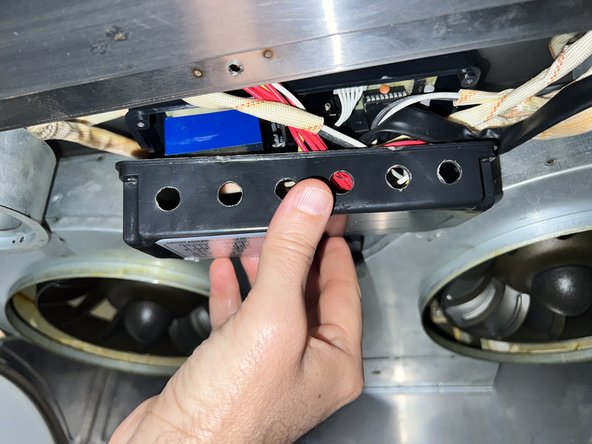
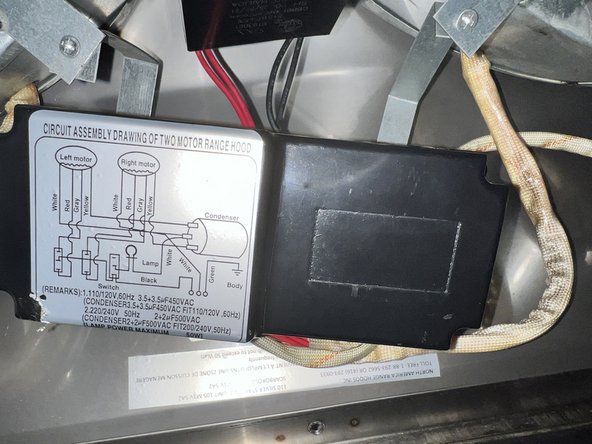
- Open the lid.
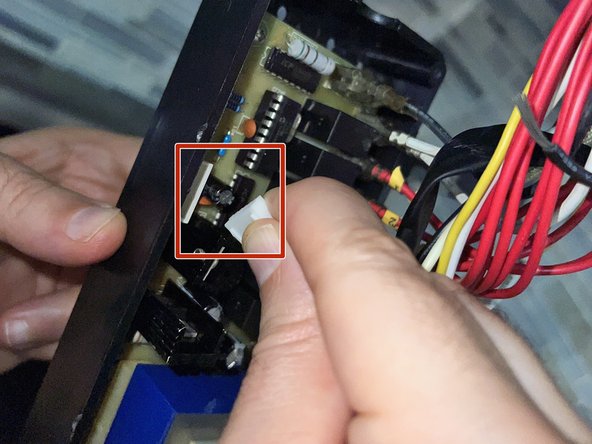
- Pull out the ten-pin white head cable located on the left side of the board.
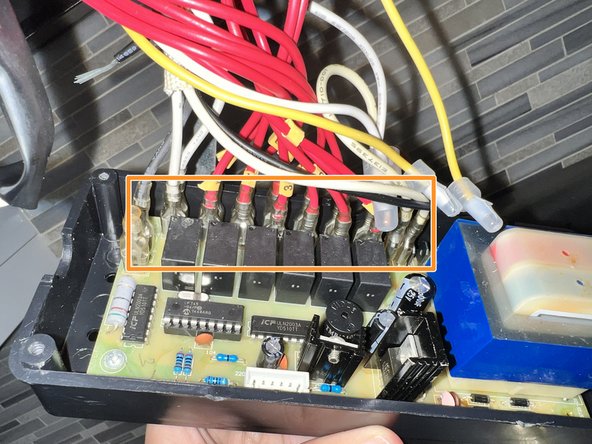
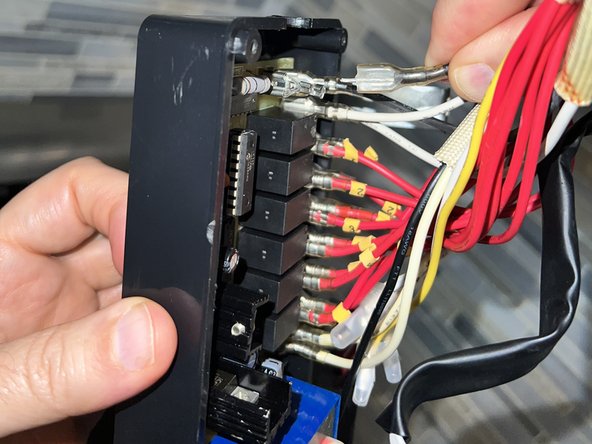
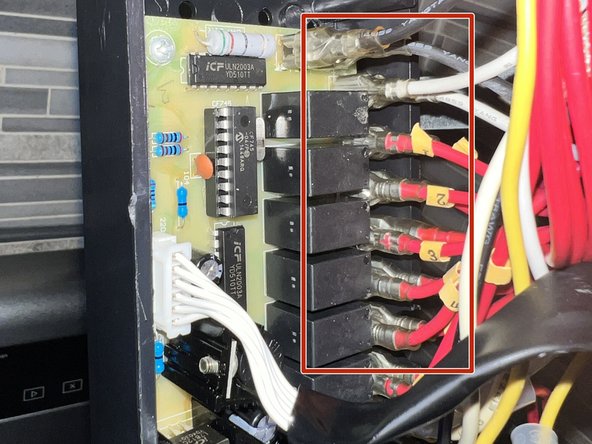
- Remove the cables one by one on the right side of the board.
- Install the replacement board into the board box.
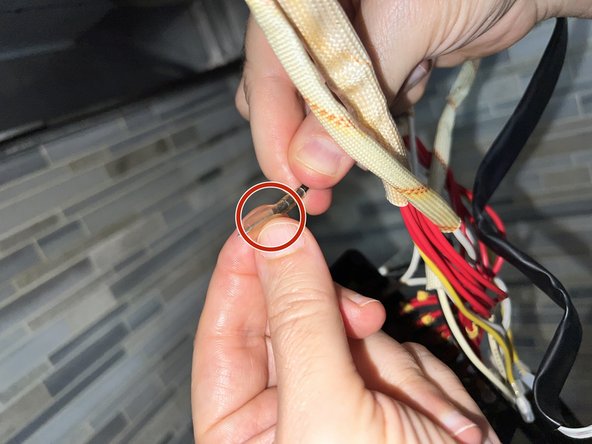
- Insert the tips of the wires into the board's protective plastic that comes with your replacement board.
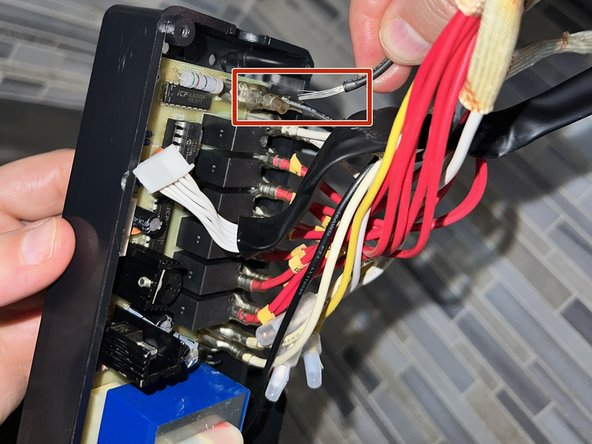
- To reinsert the wires, insert the two black wires into the first two slots on the top.
- The second row is for the white wires, which can be attached in any order; for the remaining red wires, adhere to the ordered numbers attached to the wires.
- Replace the lid.
- Reinstall the four 5 mm Phillips #1 screws to secure the lid.
- Shut the panel.
- Set the panel in place, and secure all five 10 mm Phillips #1 screws to their respective locations while holding the panel.
- Replace the LED bulbs.