Top Cable Shield Removal
ID: 151806
Description: This is a prerequisite-only guide! This guide...
Steps:
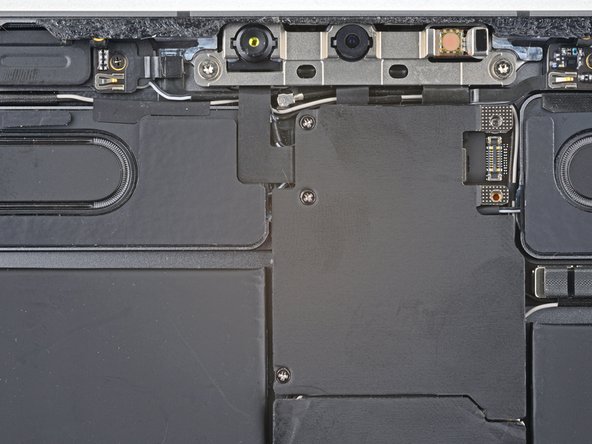
- Use a Phillips screwdriver to remove the three 1.2 mm screws securing the top cable shield.
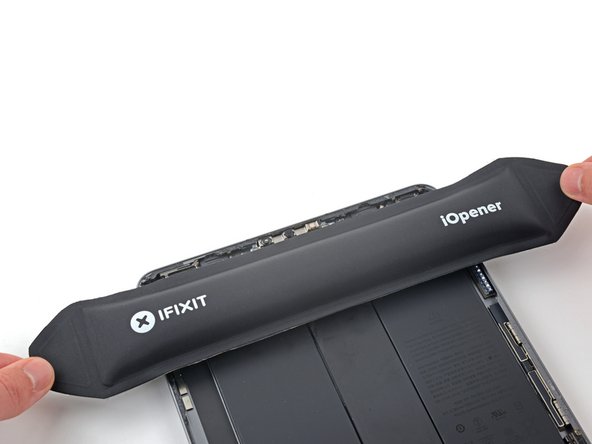
- Apply a heated iOpener to the top cable shield for one minute to soften the adhesive securing it to the logic board.
- Insert an opening pick under the top cable shield and gently pry up to separate the adhesive.
- Use tweezers or your fingers to grab and remove the top cable shield.