Dell Inspiron E1505 Hard drive Replacement
ID: 151886
Description: Power off the computer before starting.
Steps:
- Shut down your computer to avoid data loss.
- Shut the lid and flip computer upside-down.
- Disconnect charger. (If applicable)
- Slide the battery eject lever and remove battery.
- Remove the two screws holding the drive to the bottom panel.
- Slide the hard drive out of the laptop.
- The hard drive is fragile, please handle it with care.
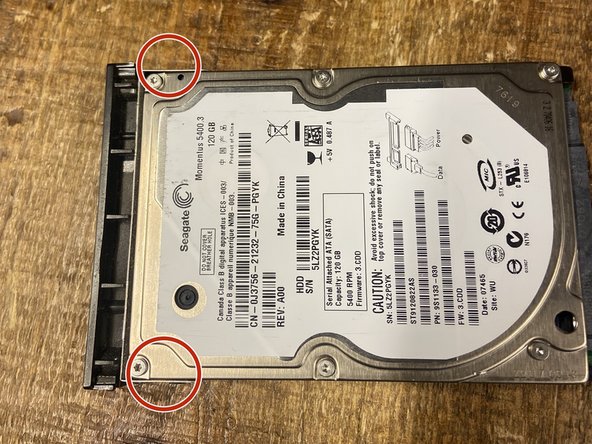
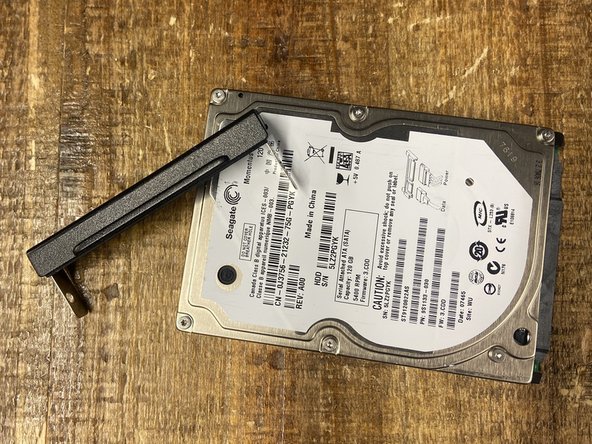
- Remove screws from the cosmetic bracket.
- Attach bracket to new hard drive. (if applicable)