Samsung Galaxy Tab S7 Plus Frame Bracket (Samsung) Replacement
ID: 152080
Description: Use this guide to replace the frame bracket,...
Steps:
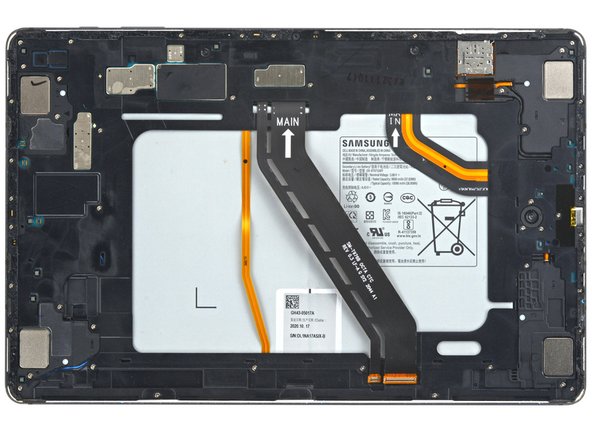
- Use a Phillips #00 screwdriver to remove the fifty 3 mm-long screws securing the frame bracket to the frame.
- The third photo has the same screws marked by quadrant. Use this photo during reassembly to help account for all the screws:
- Bottom left = 9 screws
- Bottom right = 14 screws
- Top right = 12 screws
- Top left = 15 screws
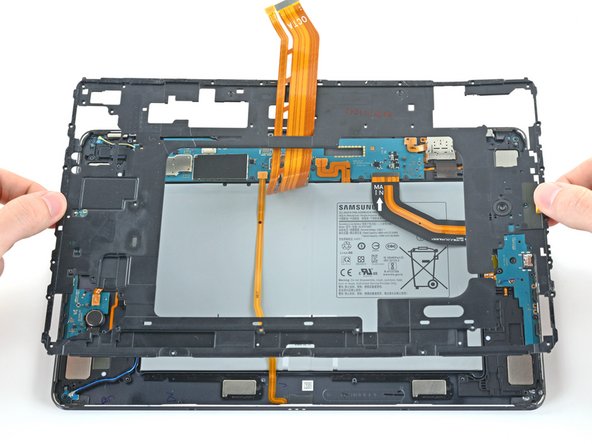
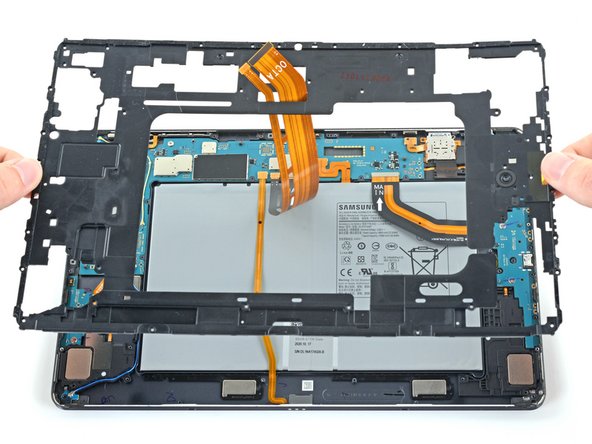
- Lift the frame bracket away from the frame, making sure to thread the display cable through its slot.
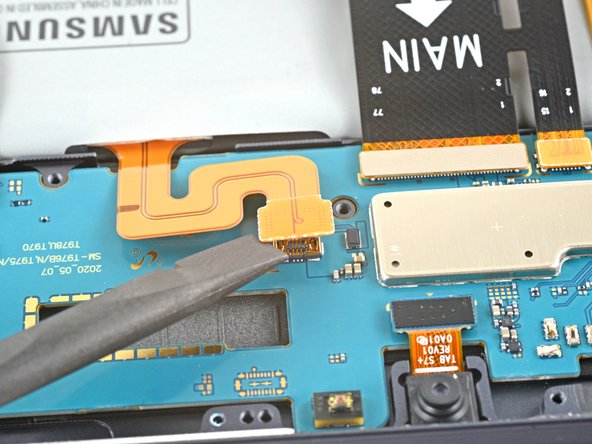
- Use the flat end of a spudger to pry up and disconnect the battery's press connector from the motherboard.