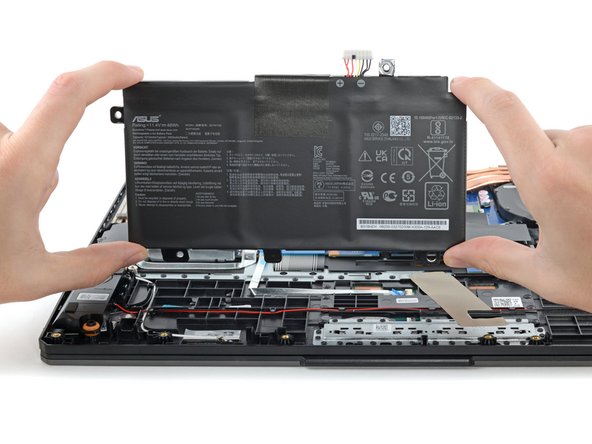
ASUS TUF Gaming F15 FX506HEB-DB74 Battery Replacement
ID: 154743
Description: Use this guide to replace the battery in your...
Steps:
- Remove the 11 Phillips screws securing the lower case:
- Seven 11.6 mm screws
- Two 14.6 mm screws
- Two 6.1 mm screws
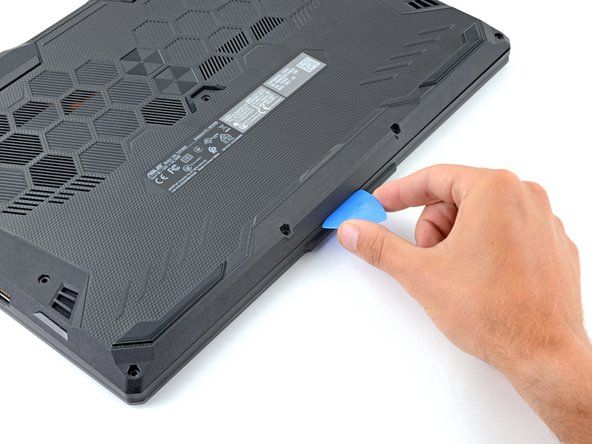
- Insert an opening pick between the lower case and the chassis on the front right edge.
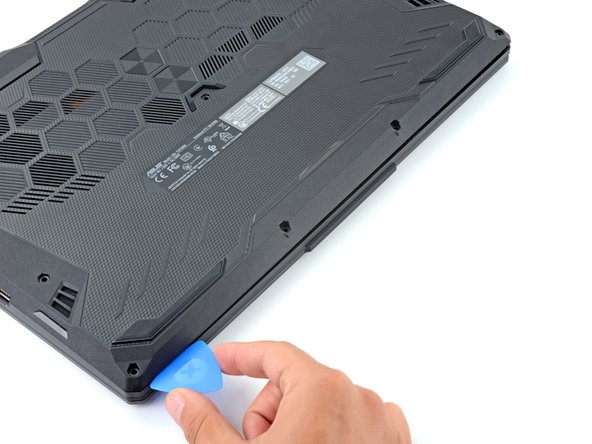
- Slide the pick along the right edge to release the clips securing the lower case.
- Continue sliding the opening pick along the perimeter of the lower case to release the remaining clips.
- Lift the lower case from the chassis and remove it.
- During reassembly, this is a good point to power on your laptop and test all functions before sealing it up. Be sure to power your laptop back down before you continue working.
- Use your fingers to move the plastic that covers the battery connector out of the way.
- If the plastic is not staying out of the way use a piece of tape to secure it.
- Use the flat end of a spudger to push each side of the battery connector until it comes out of the socket.
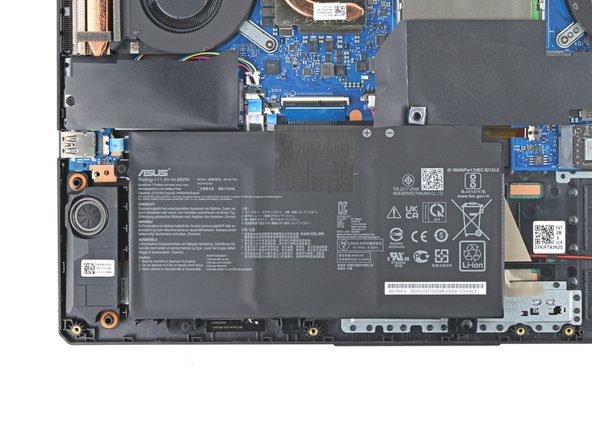
- Use a Phillips screwdriver to remove the two 6.1 mm-long screws securing the battery.
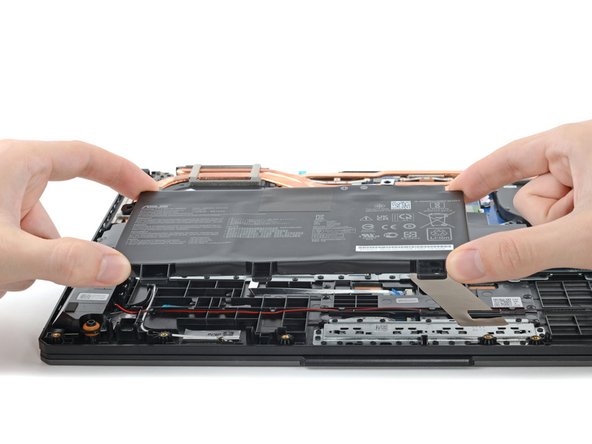
- Lift the battery straight out of its recess and remove it.