HyperX QuadCast S Polar Pattern Knob Replacement
ID: 154783
Description: The polar pattern knob of the HyperX QuadCast S...
Steps:
- Place the microphone down on a flat surface.
- Orientate the microphone so that the back is facing toward you.
- You will see a knob illustrated with four symbols, representing different polar pattern modes.
- The polar pattern knob is indicated in the circle.
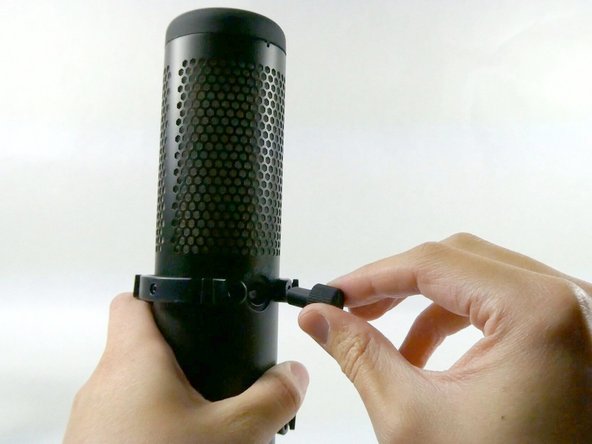
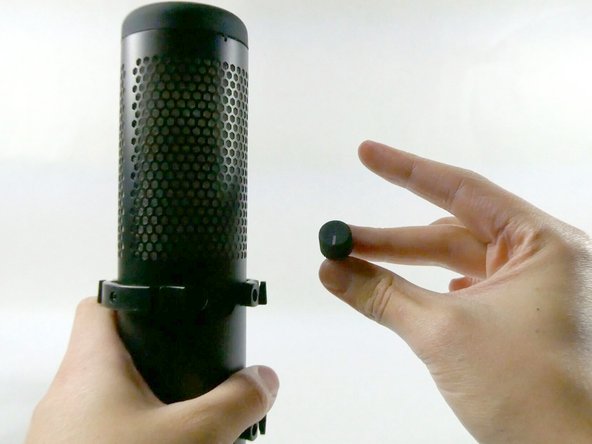
- Using your hand, apply force to pull and remove the knob from the microphone.
- It's essential to keep in mind that this knob will come out quickly, do not pull too hard to ensure nothing is damaged.