Lenovo Ideapad 330-15ARR Fan Assembly Replacement
ID: 154910
Description: This guide is meant to detail the location and...
Steps:
- Remove all Phillips #0 screws securing the case to the laptop.
- Pry all edges off of the laptop with the opening tool until the lower case releases.
- Remove the lower case.
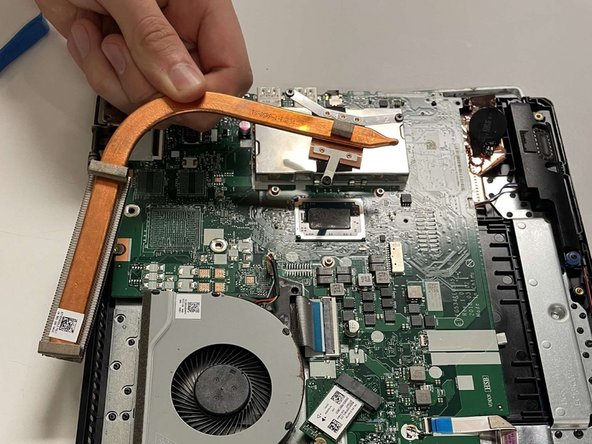
- Unscrew all three captive screws attaching the heat sink to the motherboard with a Phillips #0 screwdriver.
- These screws stay attached to the heatsink, so do not attempt to remove them.
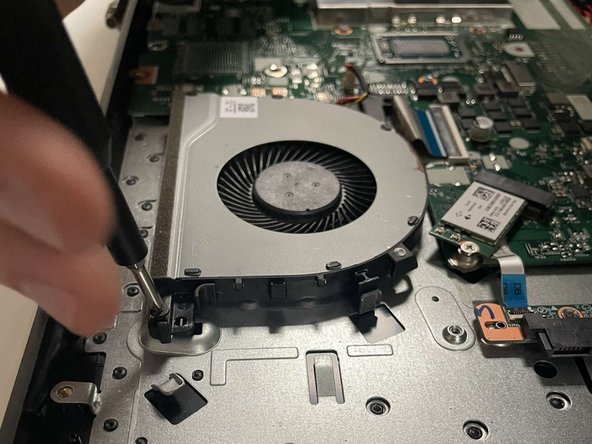
- Remove the three Phillips #0 screws securing the fan assembly.
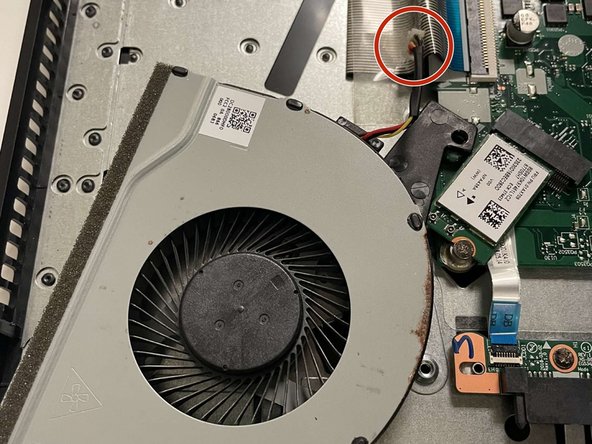
- Take the wires in your hand, and firmly but gently pull it out of its port.
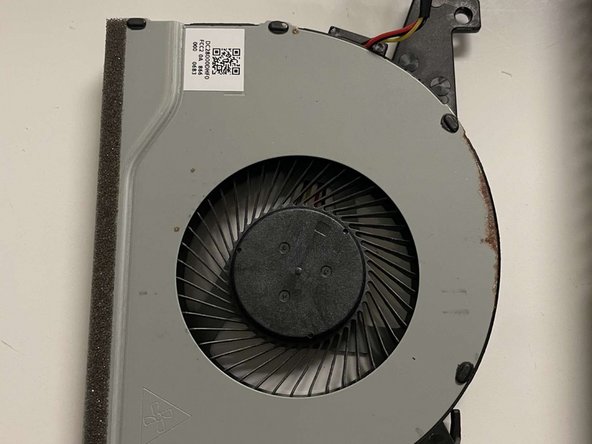
- Lift the fan assembly out of the device.