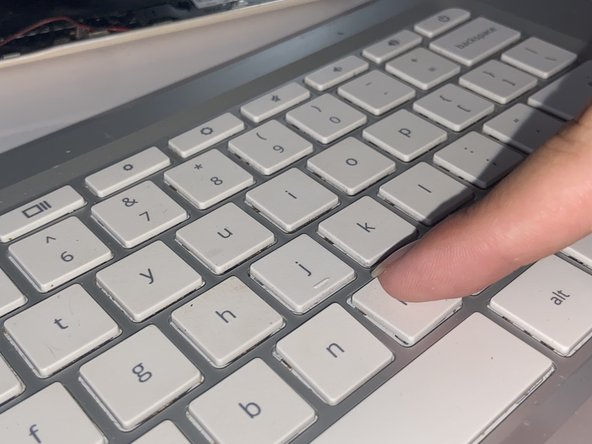
HP Chromebook 14-q010nr Key Replacement
ID: 154915
Description: This guide can be used for both missing keys...
Steps:
- Press on a key above the key you want to replace.
- Place a flat object, like an iFixit opening tool in this case, under the broken key and lift upwards to remove it.
- Align the square plastic bracket to make sure the keys fits there if the bracket moved.
- Note for missing keys: if this is missing, purchase a new one and align and insert in missing key area.
- Place the new key gently into place. Tweezers can help with the process.
- Align the new key in the area and press on it to attach it in place.
- It may not attach until you hear a click or snap noise, so take your time attaching the new key.
- Do not press too hard on the new key lest you break it.