Acer Nitro 5 AN515-53-52FA RAM Replacement
ID: 154985
Description: You will find instructions on how to upgrade...
Steps:
- Make sure the laptop is off and unplugged before starting.
- Flip the laptop upside down so the bottom is facing up.
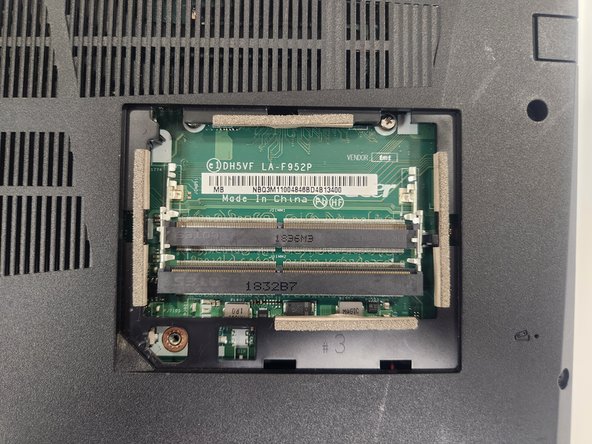
- Identify the RAM tray on the bottom of the laptop.
- Use the Phillips #0 screwdriver to remove the single 9mm screw holding the tray in place.
- Remove the RAM tray cover by prying on the opening with a spudger.
- Locate the silver clips holding the RAM in place
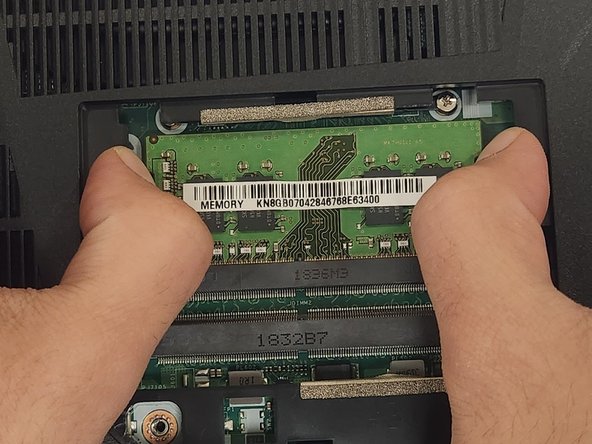
- Push the silver clips down away from the RAM. The ram should pop out at an angle.
- Gently slide RAM out of the slot.
- When inserting new RAM make sure to install it in the correct orientation.