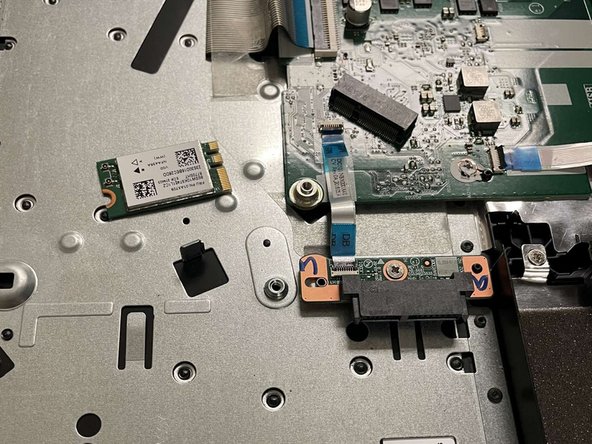
Lenovo IdeaPad 330-15ARR Wi-Fi Card Replacement
ID: 155014
Description: This guide is meant to detail the disassembly...
Steps:
- Remove all Phillips #0 screws securing the case to the laptop.
- Pry all edges off of the laptop with the opening tool until the lower case releases.
- Remove the lower case.
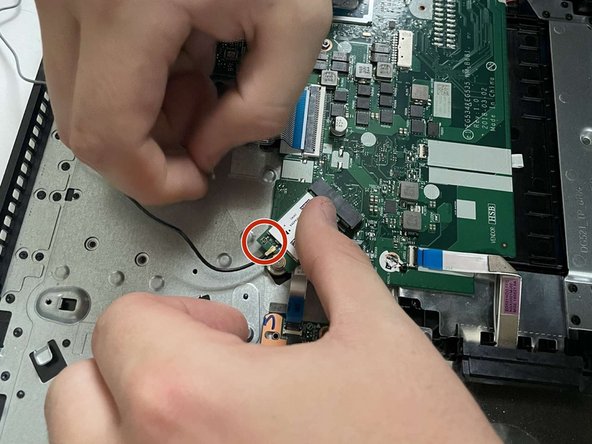
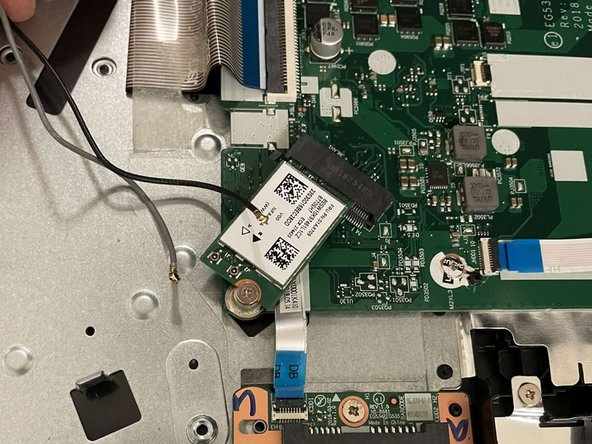
- Remove the two Wi-Fi card's connections by gently lifting up on the connectors.
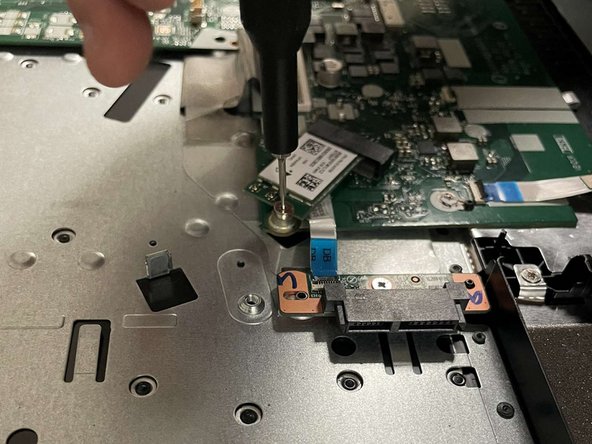
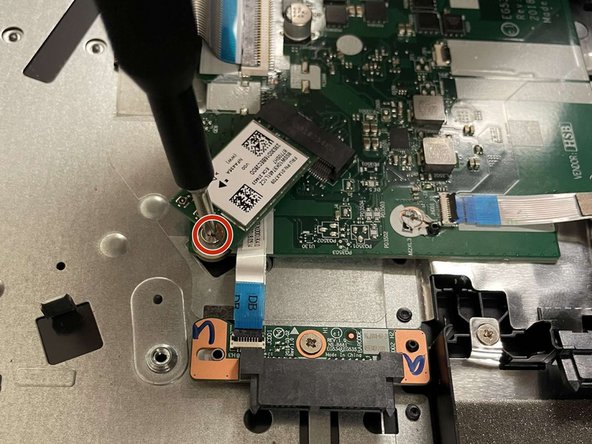
- Remove the single Phillips #0 screw securing the Wi-Fi card.
- Slide the Wi-Fi card out of its port on the motherboard.
- Do not worry about the angle the card sits after removing the mounting screw - this is how it's meant to be connected and will have to be connected similarly during reassembly.