Lenovo Ideapad 330-15ARR Speaker Replacement
ID: 155015
Description: A quick guide to changing your speakers in a...
Steps:
- Remove all Phillips #0 screws securing the case to the laptop.
- Pry all edges off of the laptop with the opening tool until the lower case releases.
- Remove the lower case.
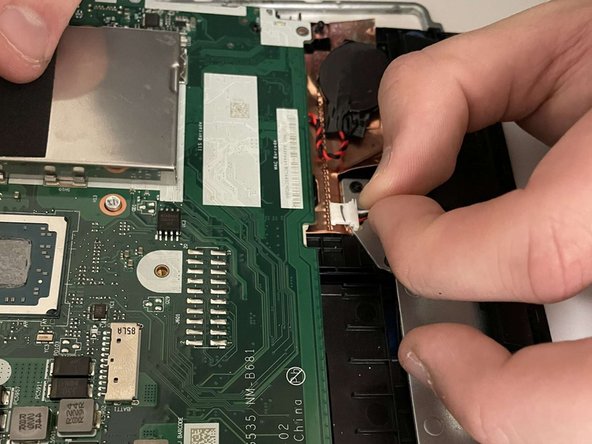
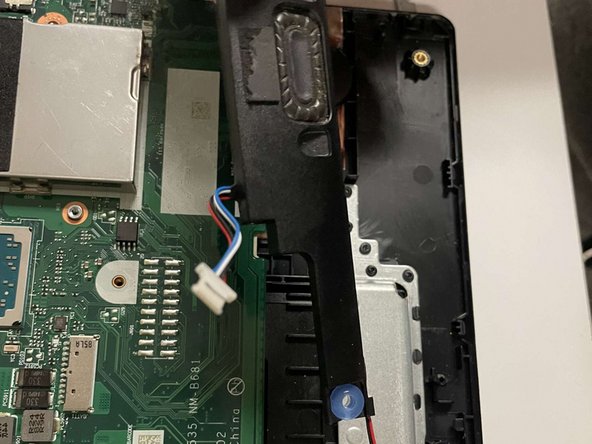
- Remove the speaker's motherboard connection.
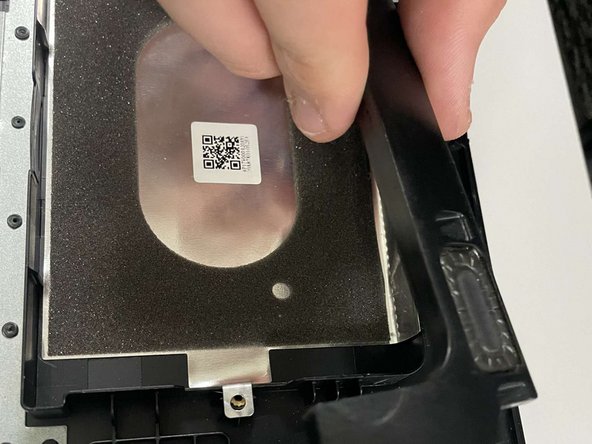
- Each speaker has multiple plastic connection points - simply pull upwards and they should easily slide off of them.
- Remove the speaker.