Jumper EZbook S5 Touchpad Replacement
ID: 155045
Description: There are different techniques to replace an...
Steps:
- Place the laptop so the bottom is facing upwards.
- Remove the two 8 mm screws on the back of the laptop using a T3 Torx screwdriver.
- Remove the three 5 mm screws on the back of the laptop using a T3 Torx screwdriver.
- Remove the six 4 mm screws on the back of the laptop using a T3 Torx screwdriver.
- Remove the single 3 mm base screw inside the battery case using a T3 Torx screwdriver.
- Detach the battery case using the flat end of a spudger.
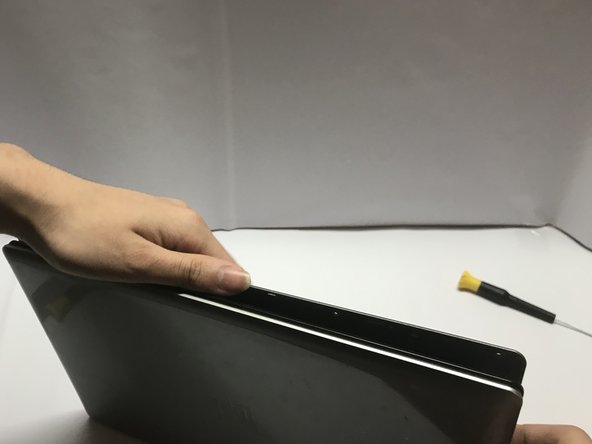
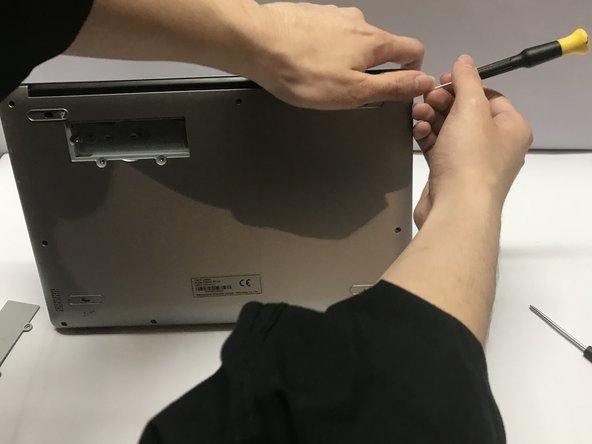
- Pry apart the bottom cover of the laptop using the flat end of a spudger.
- Remove the four 4 mm screws from the battery using a T3 Torx screwdriver.
- Flip the battery to the opposite side of the touchpad.
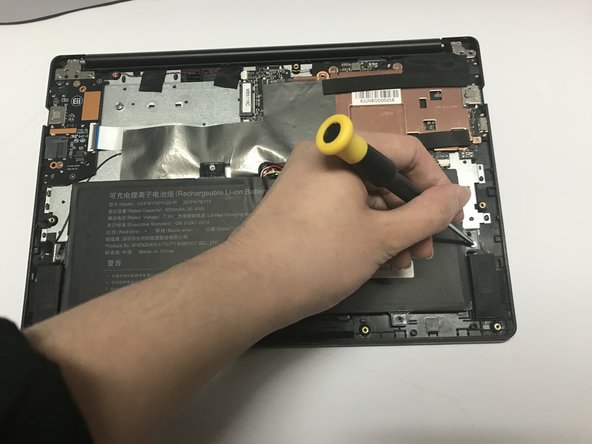
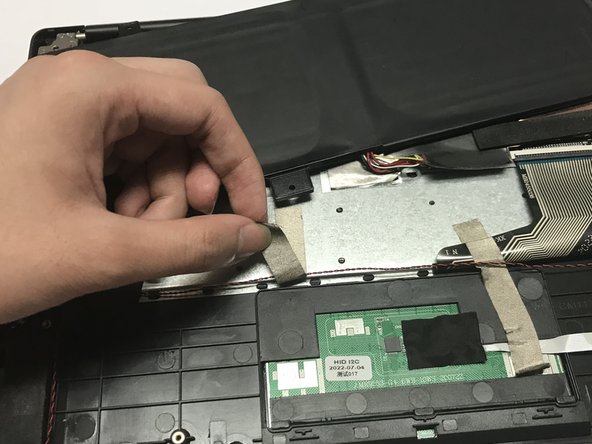
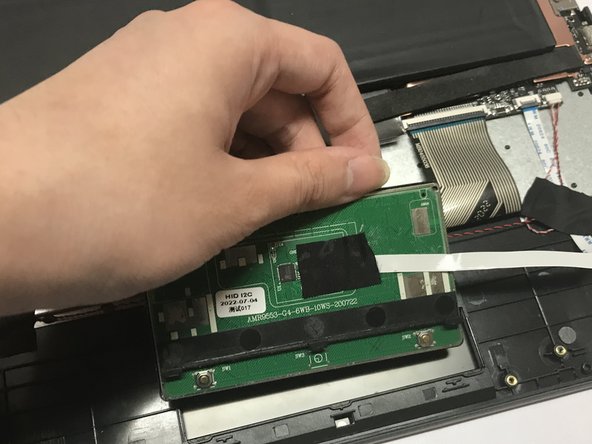
- Detach the tape on the left side of the touchpad shown in the first two images.
- Use a heat gun or a hair dryer to melt the glue quickly.
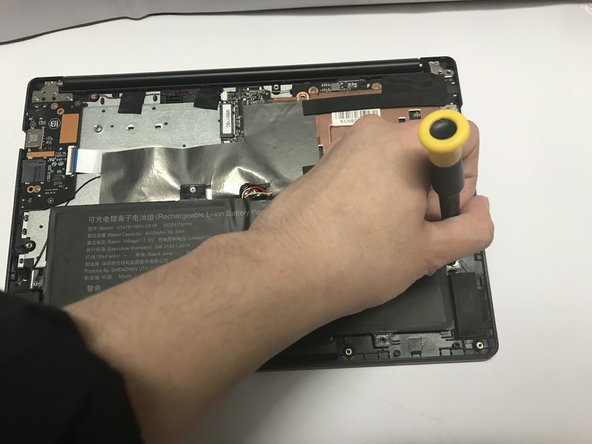
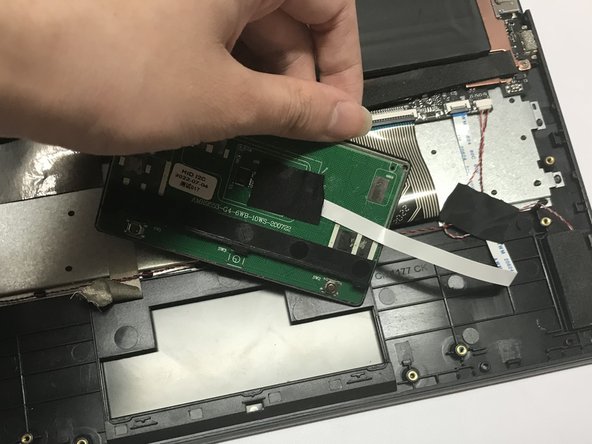
- Detach the tape on the right side of the touchpad shown in all three images.
- Use a hair dryer or a heat gun to soften the glue.
- Use a spudger to detach the touchpad from the top case.
- The touchpad is attached to the top case with glue. Use a hair dryer or a heat gun to soften the glue.
- Be patient. Step 8 can take up to 8 hours if you work by yourself.
- Don't aim the heat gun or the hair dryer anywhere other than the top case.
- Lift the touchpad out of the case.