Sharp EL-510RN Battery Replacement
ID: 155073
Description: This guide shows you how to replace the battery...
Steps:
- Find a clean workspace free of clutter.
- Cover the calculator with the gray screen it came with. This will prevent any buttons from being pressed when it's flipped over.
- Flip the calculator over so the backside is facing up.
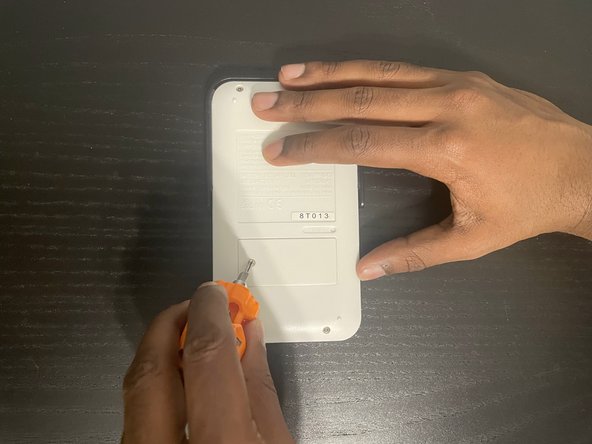
- Use a Phillips #0 screwdriver to remove the screw securing the battery cover.
- Use a spudger to pry open the battery cover.
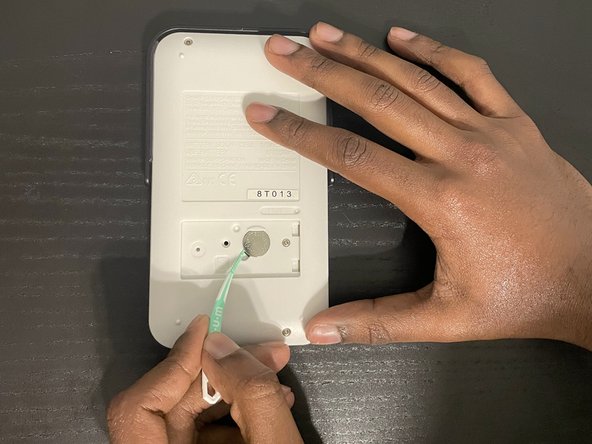
- Use a spudger to pry the battery out of the back of the calculator.
- Always use an ESD safe tool when working with batteries or delicate components such as the motherboard.
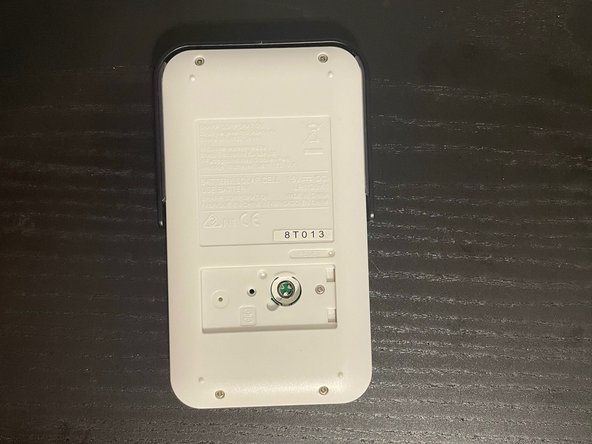
- Insert the new battery into the socket.
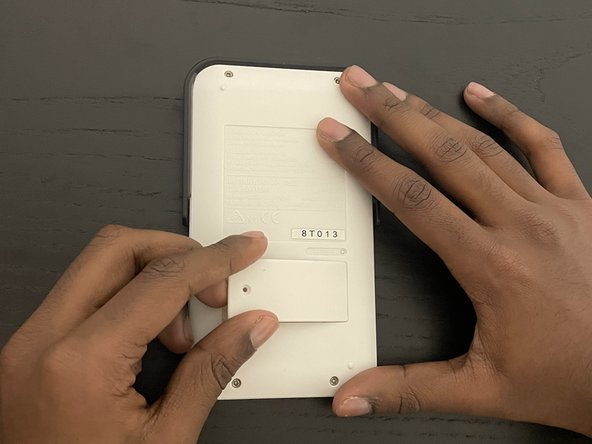
- Put the panel back on and screw it into place.
- Congratulations you've now successfully completed a battery replacement on the Sharp EL-510RN!