Nest x Yale Lock Speaker Replacement
ID: 155118
Description: This guide will show yoh how to fix the speaker...
Steps:
- Get the lock device and turn it around.
- Take out the black cover by removing the screws as shown in picture #1 and pull it out gently just so.
- All 3 screws are 0.25 inches high and are phillip screws.
- Doing so gains access to the motherboard as shown in picture #3.
- On the white connector in picture #1, push down using a pointed tip object and then remove the connection using tweezers.
- For the wider connection in picture #2, lift up the black switch and remove the connection using tweezers.
- Take out the motherboard by unscrewing the screws holding it shown in picture #1.
- The screws are phillips and are 0.25 inches.
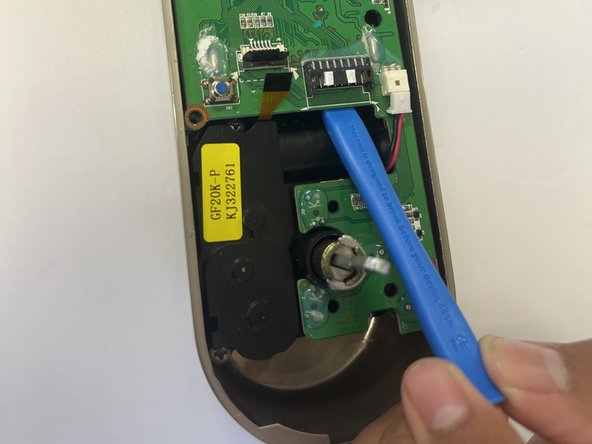
- After removing the screw on the motherboard, pry the motherboard out using a prying tool shown in picture #2.
- The small black part on the down right side of the motherboard is the audio.