Heyday Wireless Bluetooth Speaker 9979 Battery Replacement
ID: 155129
Description: This wireless speaker is small so be gentle...
Steps:
- Remove the four bezels from the speaker's back cover.
- Try to get under the bezel by using force, and pull it out little by little.
- Use a Phillips #1 screwdriver to remove the four 1.6 mm screws. Rotate the driver counterclockwise to remove the screws.
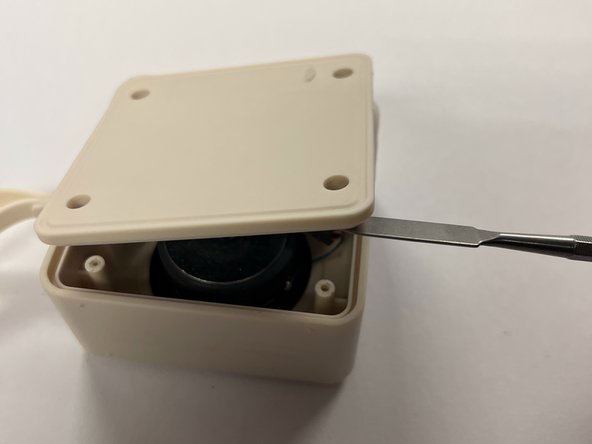
- Remove the cover of the wireless speaker using the metal spudger. Don't use much force to remove it.
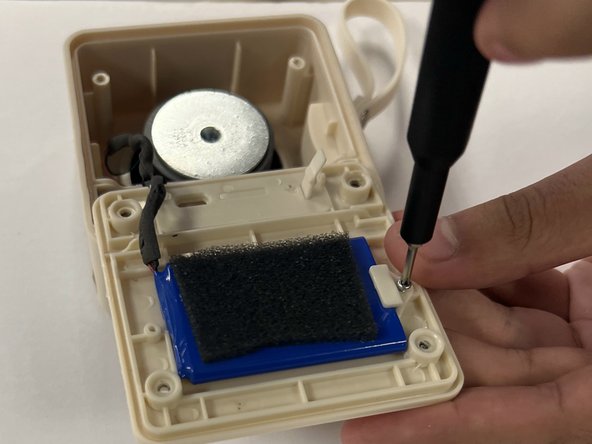
- Once you have pulled the cover to the side, remove the two screws with a Philips #000 screwdriver. Turn counterclockwise.
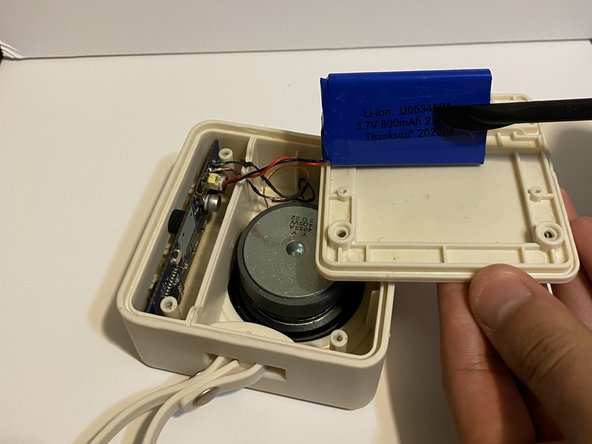
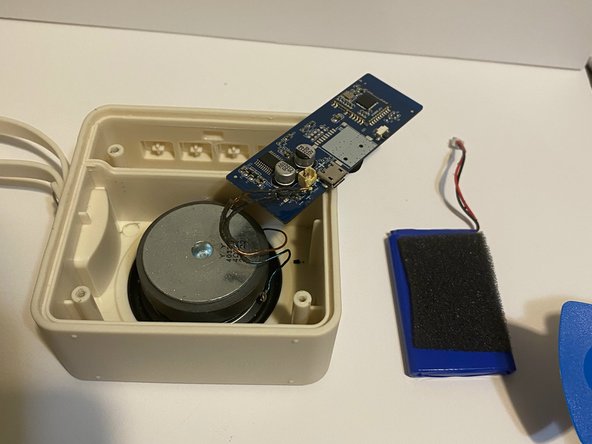
- The battery might be glued down so use the black nylon spundger to take it out completely.
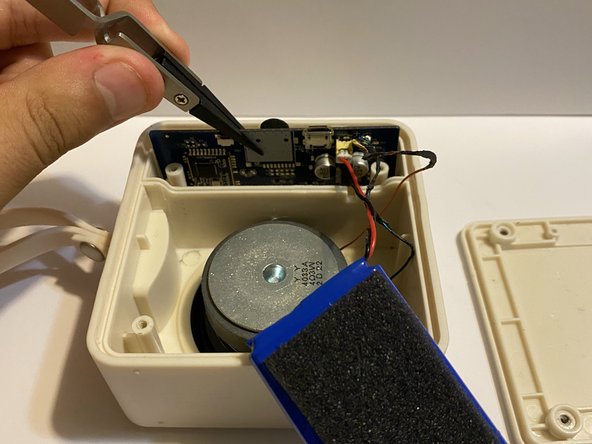
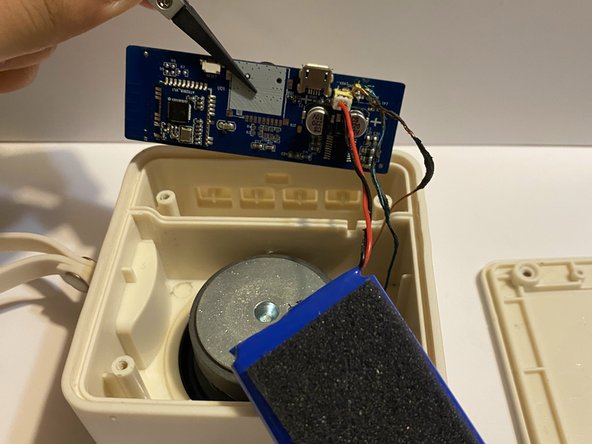
- Using the nylon tipped tweezers, remove the motherboard carefully. It is recommended to grab the motherboard in the middle as there are no big buttons on it.
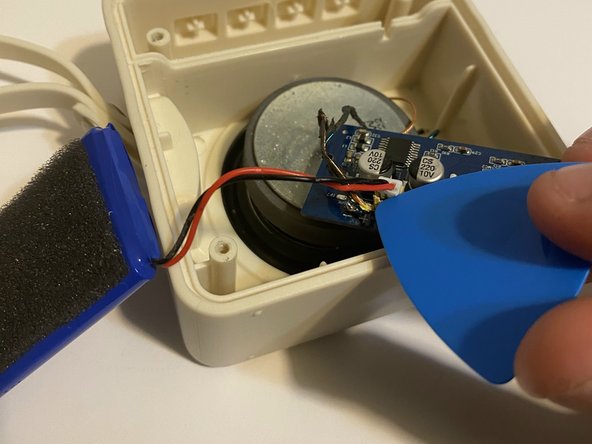
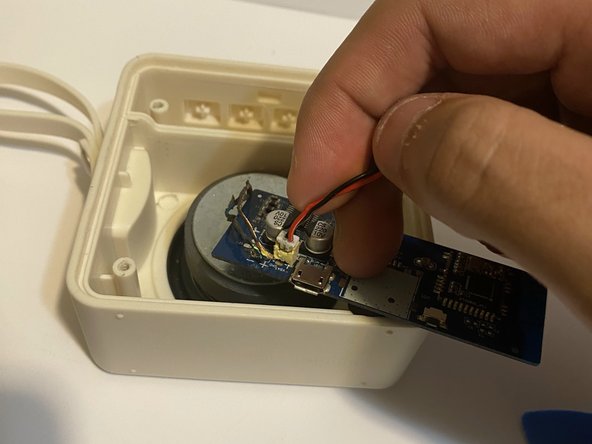
- You want to remove the white power cable connector from the motherboard. Start by using the fixit opening pick to pull it up. Once it is almost out, use you're fingers to just simply disconnect it.