Epson Home Cinema 2150 Projector Lamp Replacement
ID: 155687
Description: A lamp replacement for the Epson Home Cinema...
Steps:
- Disconnect and cool the device to room temperature. Failure to do so may result in electric shock or minor burns.
- Orient the Epson Home Cinema 2150 so that the large indented panel faces your direction.
- Unscrew the single 6mm Phillips#2 holding screw from the access panel.
- Slide the panel horizontally, then lift up to remove the access panel.
- Loosen and remove the two screws holding the lamp.
- Remove two 9 mm Phillips #2 screws.
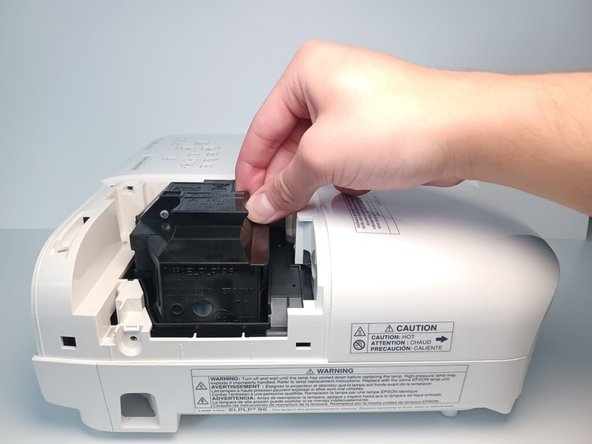
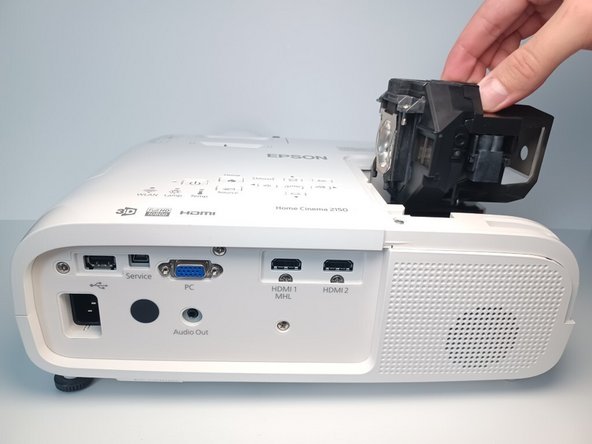
- Using four fingers, pull upwards on the lamp's plastic casing.
- You may feel some resistance when pulling the lamp.